5 Best Logo Makers for Vector Logo Downloads in 2026
Designing a logo online looks effortless until you try using it in the real world. Many popular tools hand you a flat, low-res image that looks great on a screen but instantly falls apart when printed on a storefront sign or embroidered on a shirt. When that happens, you are forced to start completely over or pay a designer to redraw it from scratch.
That is where a true vector file comes in, giving you clean lines that stay sharp at any scale. Since finding platforms that actually include these formats can be tricky, we tested the most popular logo makers to see which ones deliver genuine, print-ready files.
Quick verdict
If you are short on time, here is our fast recommendation before diving into the full breakdown:
Design.com is the top choice among the ten logo makers because it offers free templates you can edit, customize, and download at no cost. You can grab production-ready vector files, brand kits, and even build a site with the free website builder without paying a dime. If you decide to upgrade to premium templates or extra features, paid plans start at just $3 a month.
Which logo maker offers the best free and paid vector downloads?
Comparing file types, pricing structures, and included branding features helps you pick the right tool without hitting an unexpected paywall. The table below outlines how each platform handles vector exports and full commercial utility.
| Logo Maker | Best For | Free Vector | Vector Formats Included | Starting Price/ Real Cost |
| Design.com | Overall ecosystem and free vector templates | Yes | SVG, EPS, PDF | Free / $3 per month |
| BrandCrowd | Handcrafted designer templates and mockups | Yes | SVG, EPS, PDF | Free / $3 per month |
| Wixel (by Wix) | Conversational AI editing and instant site sync | Yes | SVG | Free (credit upgrades available) |
| Canva | Collaborative drag-and-drop design suite | No (requires Pro) | SVG, PDF (Print) | Free / $15 per month |
| Adobe Express | Creative Cloud and Illustrator integration | No (requires Premium) | SVG, PDF | Free / $9.99 per month |
The top 5 vector logo makers in 2026
Finding the right tool comes down to how much design control you need and how easily you can export genuine vector formats. Here is how the top five platforms perform in terms of vector quality, usability, and pricing.
1. Design.com – Best overall vector engine and full brand asset pipeline

Design.com’s AI logo generator ranks highest because it serves as an end-to-end branding pipeline rather than an isolated graphic exporter. The platform is ideal for founders who want print-ready vectors and matching brand assets without mandatory upfront costs.
Its generator pairs an automated layout engine with a conversational AI editor, allowing you to refine typography, adjust icon sizing, and modify visual assets through simple text prompts.
To give you an idea of Design.com’s output, here are several ready-to-use logos generated for a pet grooming salon called Barking Lot Grooming:
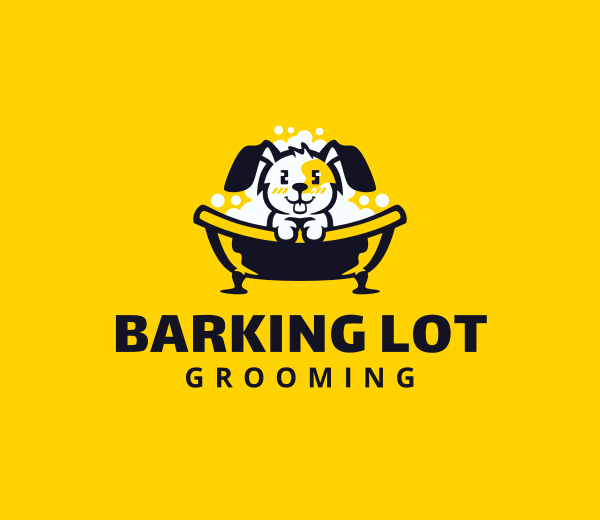
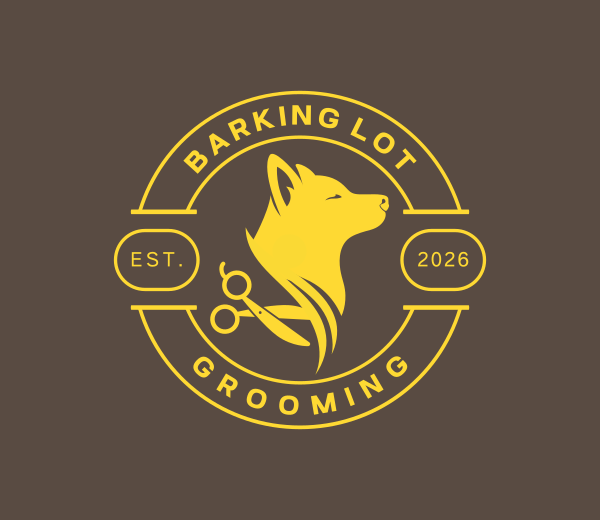
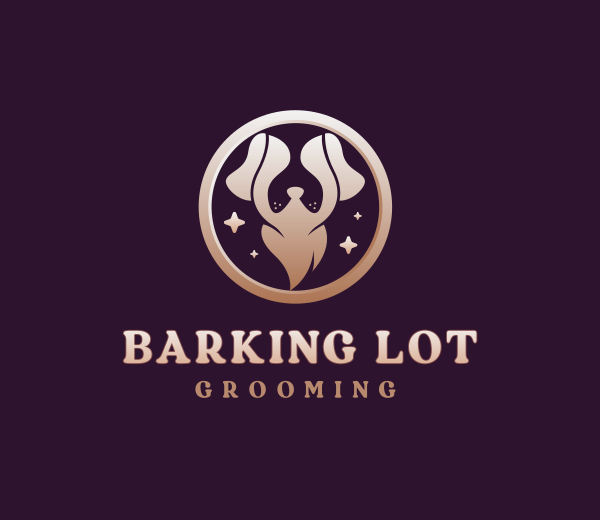
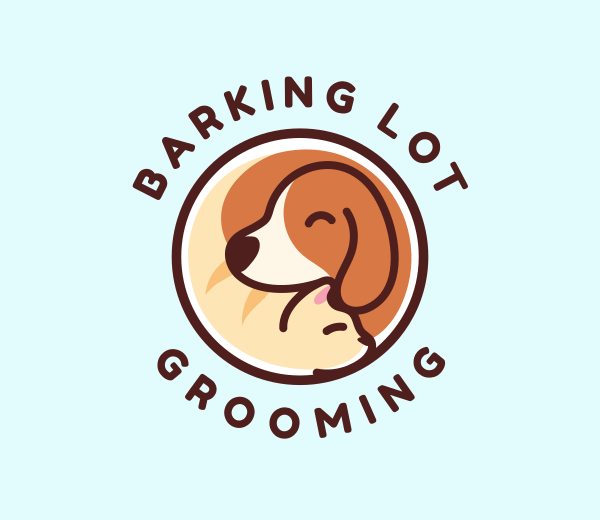
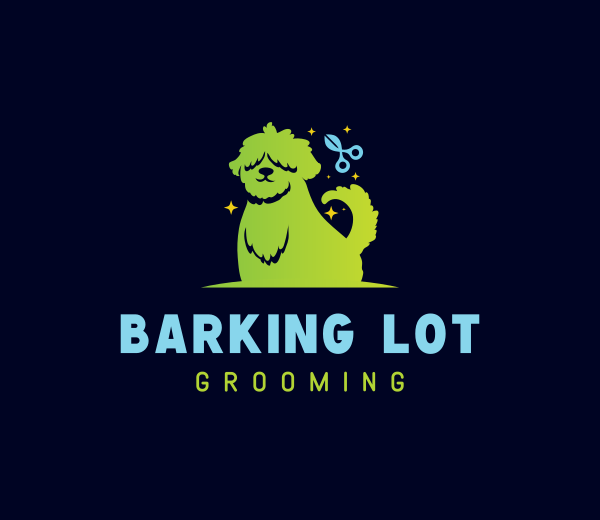
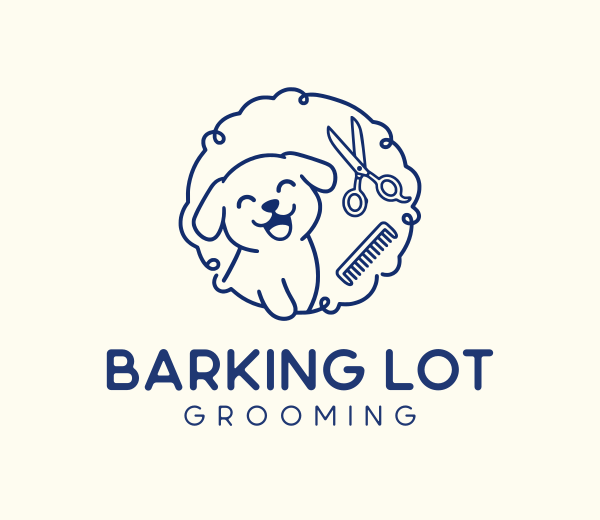
These concepts show how cleanly the platform pairs playful scissor-and-paw emblems with bold, readable typography that pops on salon window decals, van wraps, and appointment reminder cards.
Key features
- Complete vector downloads, including SVG, EPS, and print-ready PDF formats, even on free logo templates
- AI chat interface to request custom adjustments to text and icons in plain language
- Access to a massive catalog of over 500,000 professional logo concepts
- Free built-in website builder to launch branded landing pages immediately
- Free digital business cards and link-in-bio page generators
- Automated brand kit generation covering 50+ tools, including email signatures, social media posts, and letterheads.
- Layer-separated vector paths compatible with professional sign makers and print shops
- Optional exclusive license buyouts to pull your mark permanently from the public catalog
Pricing
- Free plan includes genuine zero-cost vector downloads on selected templates with full customization
- Starter plan costs $3 per month on annual billing for complete logo package access
- Value plan costs $4 per month on annual billing and adds full website hosting tools
- Premium plan costs $5 per month on annual billing with added digital business cards and link-in-bio page
Verdict
Design.com is the most capable vector logo tool available today. It gives you production-grade vectors for free and offers unmatched scalability if you decide to upgrade to a full web presence.
2. BrandCrowd – Best handcrafted designer templates and mockups
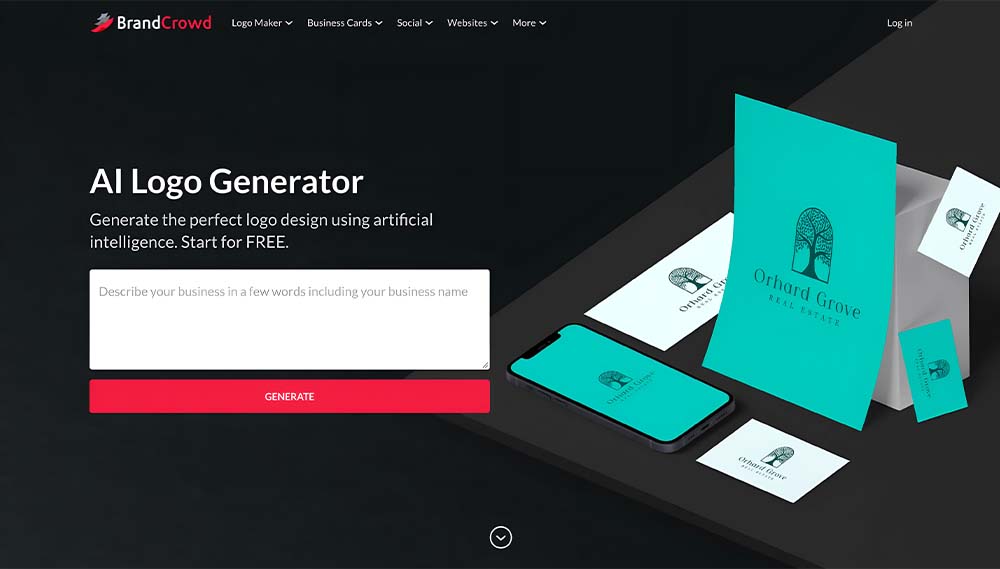
BrandCrowd’s logo maker takes the second spot with a catalog of over 380,000 logo designs handcrafted by human designers. It is the top pick for entrepreneurs who want artisan-built marks paired with realistic merchandise previews before spending money.
The platform generates instant mockups that preview your artwork on business cards, storefront signage, and company apparel before you commit to downloading.
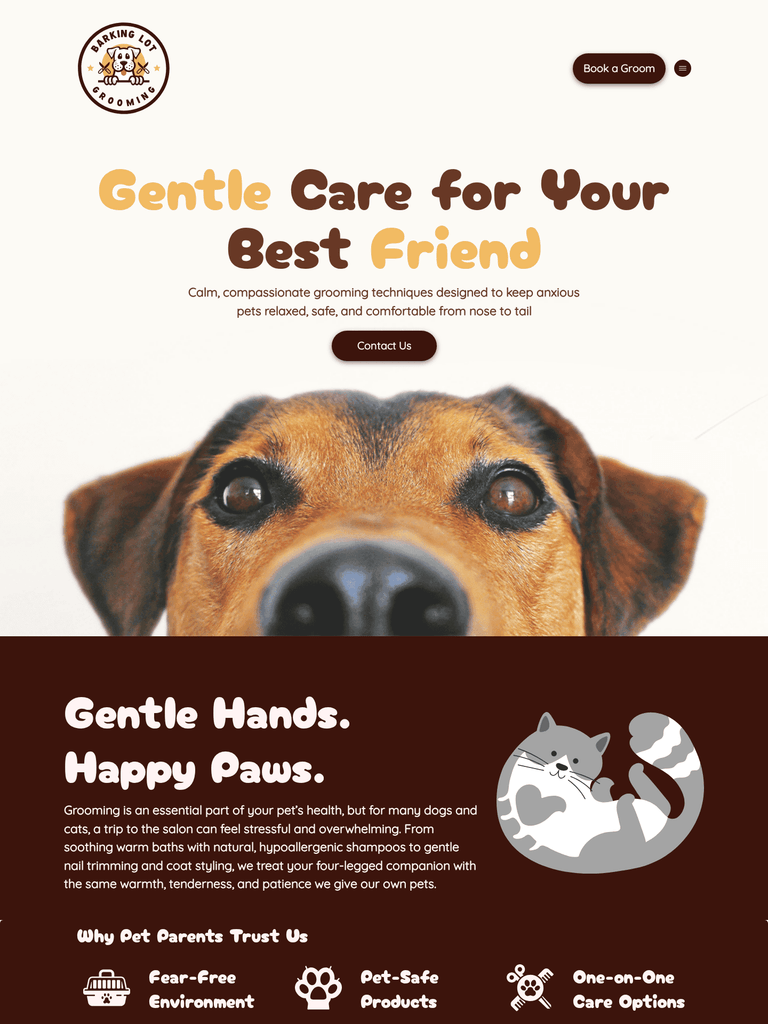
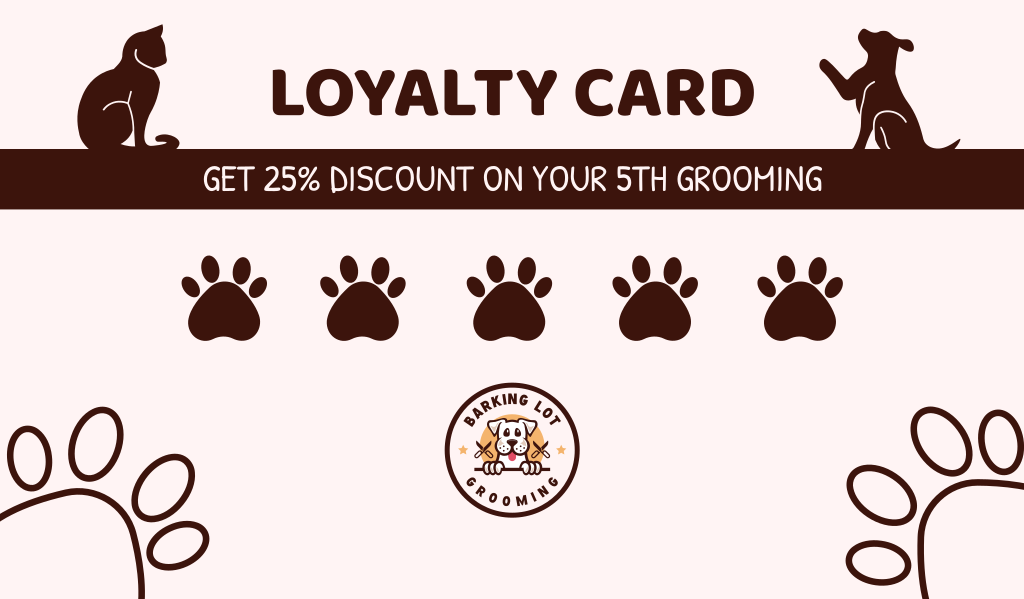
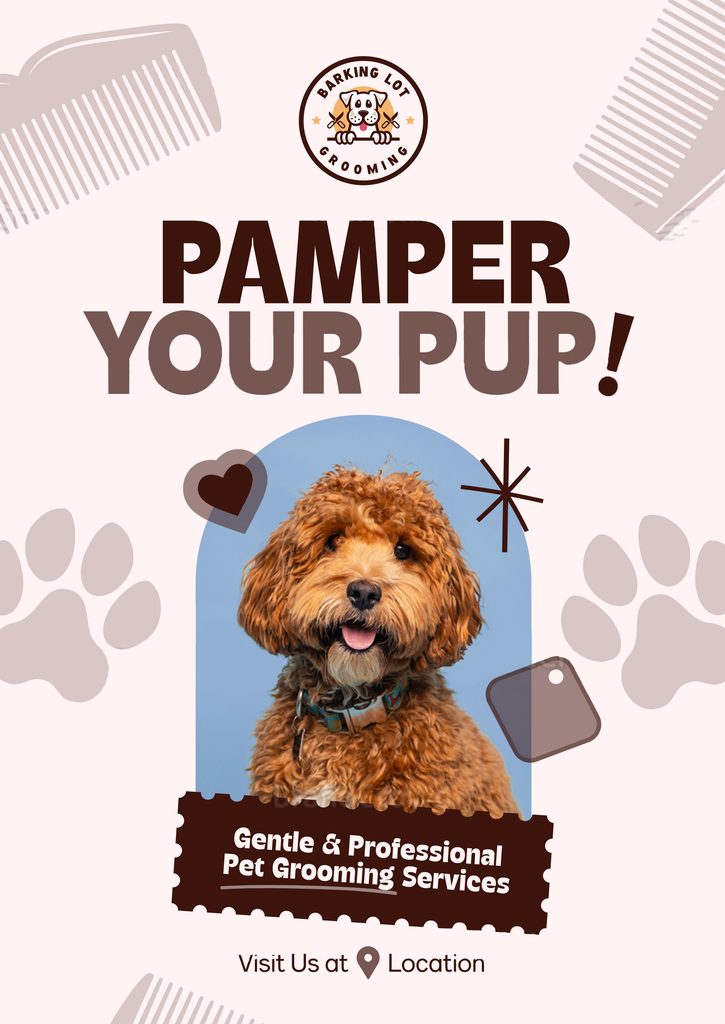
Here is a look at BrandCrowd’s logo for Barking Lot Grooming, along with automated mockups for a mobile app icon, printed business cards, a live website layout, and storefront posters:
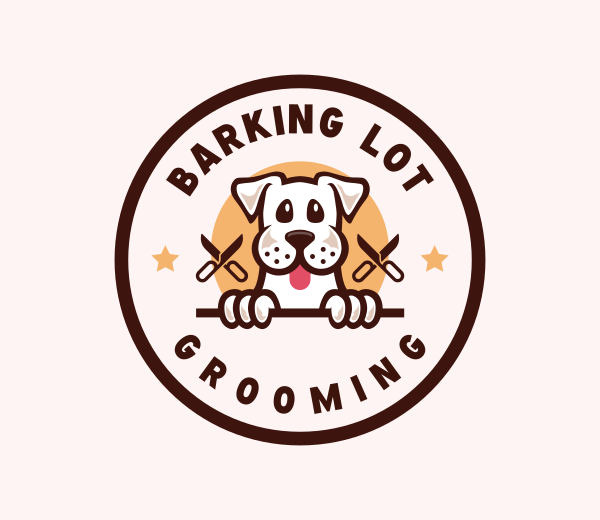
These previews show how effortlessly the logo adapts across physical materials and digital screens before you spend a single dollar.
Website
Business Cards
Poster
Key features
- True mathematical vector files, including SVG, EPS, and high-resolution PDF exports
- Library of more than 380,000 designer-crafted templates spanning every industry
- Free design templates available with full editing and vector export capabilities
- Over 750 typography choices, including more than 525 exclusive fonts
- More than 62,000 custom vector shapes and icons for deep personalization
- Realistic product mockups for business cards, billboards, uniforms, and branded swag
- Built-in AI chat editor and manual visual canvas for element repositioning
- Animated logo exports available in MP4 and GIF formats for digital screens
Pricing
- Free plan offers customizable design templates with free vector file exports
- Starter plan costs $3 per month on annual billing for unlimited edits across the catalog
- Value plan costs $4 per month on annual billing, with website hosting tools included
- Premium plan costs $5 per month on annual billing for digital business cards and link-in-bio page
Verdict
BrandCrowd is the premier choice for entrepreneurs who prefer browsing massive libraries of artisan-built marks. Its mockups give you immediate clarity on how your brand translates into physical merchandise before you spend money.
3. Wixel (by Wix) – Best for conversational AI Editing and free SVG exports
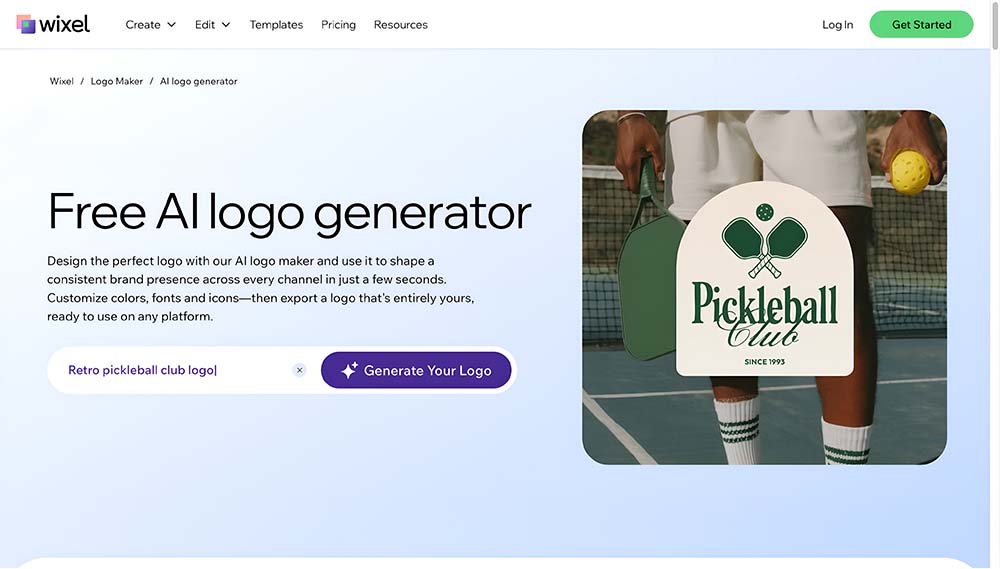
Wixel is the modern AI design studio from Wix, powered by an interactive AI design agent called Aria. It replaces the legacy questionnaire format with a natural conversation, generating tailored concepts based on your business vision before opening into a full canvas. From there, you can prompt Aria to adjust specific elements or use the manual design tools to fine-tune your work directly.
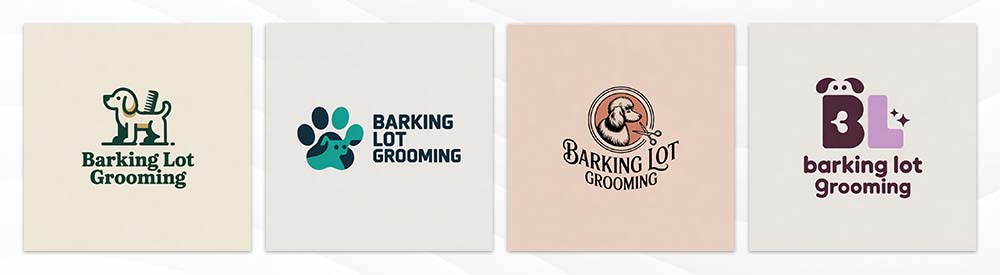
We asked Aria, Wixel’s conversational design agent, to build a brand identity for Barking Lot Grooming from scratch. The assistant quickly produced these four logos:
Key features
- Aria conversational AI agent to request real-time design revisions in plain language
- AI Breakdown panel that isolates the icon, typography, and layout for targeted editing
- Free high-resolution downloads across scalable SVG vector, transparent PNG, and JPG formats
- Unlimited manual design customization across colors, fonts, shapes, and backgrounds
- Instant realistic mockup previews across dark, light, and transparent backgrounds
Pricing
- Free plan includes complete manual editing, initial AI generations, and production-ready SVG downloads
- Paid upgrades provide higher monthly AI credit allowances for continuous generations and revisions with Aria
Verdict
Wixel brings a fresh, conversational workflow to the Wix ecosystem with the major advantage of free SVG downloads. It is ideal if you prefer describing changes naturally rather than hunting through menus, provided you keep an eye on your AI credit usage.
4. Canva – Best for collaborative marketing and social media workflows
Canva is an industry standard for cloud-based visual creation due to its simple drag-and-drop workspace. It is tailored for marketing teams and content creators who need rapid team feedback and multi-channel social media templates. You can effortlessly move your finished design into pitch decks, social graphics, and promotional flyers within the same project.
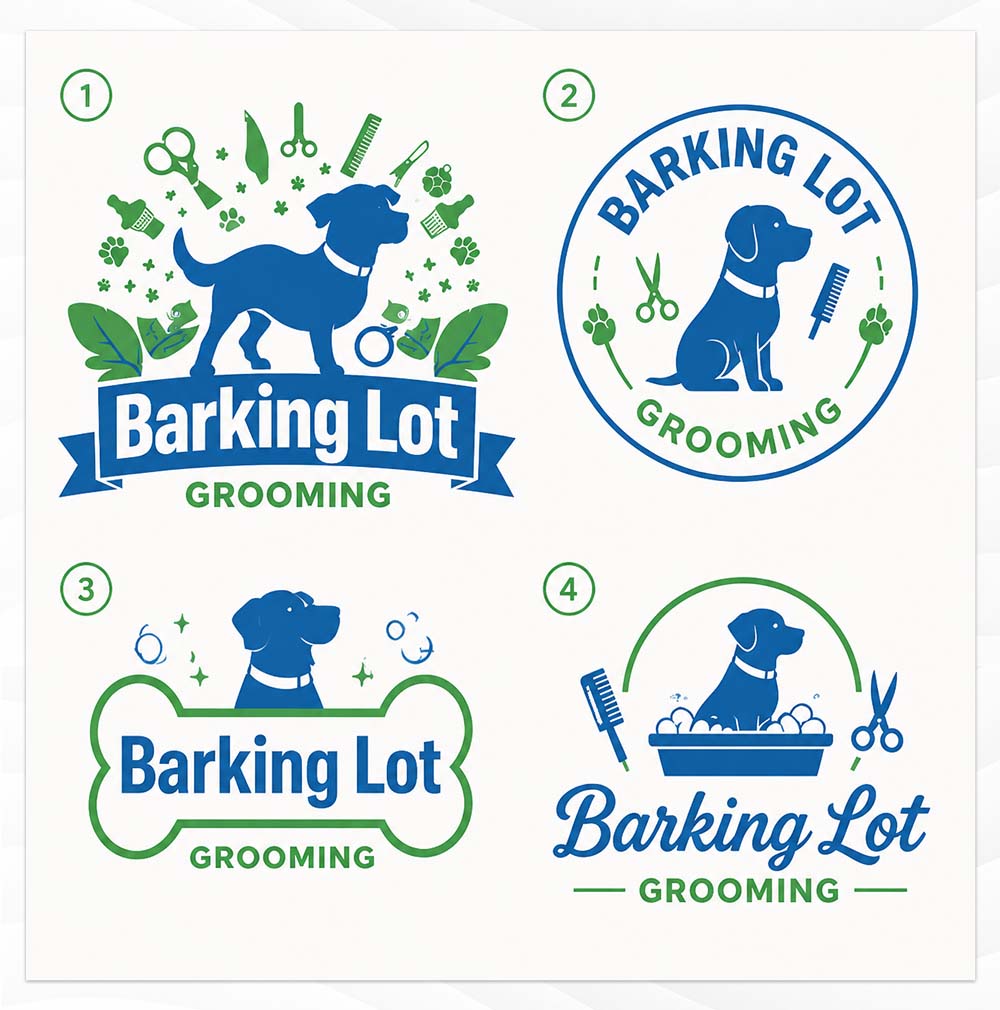
Below is a look at four distinct logo templates Canva generated for Barking Lot Grooming:
Key features
- Large collection of modern typography and layout templates
- Real-time team collaboration with shared brand boards and comment threads
- One-click Magic Resize to convert logos into social headers and video titles
- Centralized Brand Kit to sync colors and fonts across all organizational designs
- Direct printing integration for business cards, banners, and stationery
Pricing
- Free plan provides access to basic templates with raster PNG and JPG downloads
- Canva Pro costs around $15 to $18 per month and is strictly required to unlock vector SVG exports
- Canva Business starts at $25 per person per month for multi-user collaboration and approval workflows
Verdict
Canva excels as a general marketing platform, but it gates true vector exports behind a recurring Pro subscription. It is ideal if you already use Canva daily, though complex vectors may need cleanup in dedicated software before heavy commercial use.
5. Adobe Express – Best for creative cloud integration and high-end typography
Adobe Express brings professional Adobe typography and Firefly generative tools into an accessible web browser experience. It is built for non-designers and small business owners who plan to expand their branding through professional Adobe Creative Cloud tools. The interface suggests balanced color palettes and font pairings while maintaining an approachable learning curve.
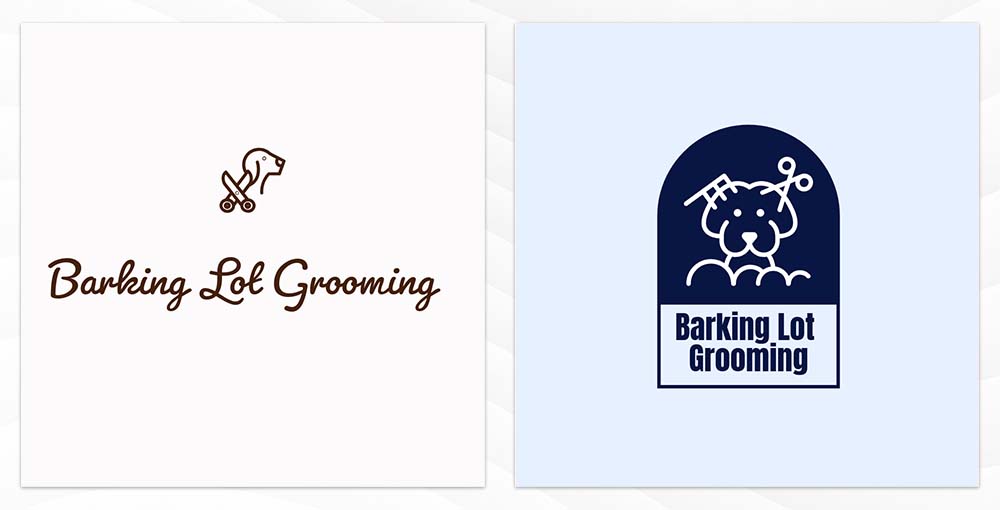
Here are some logos generated by Adobe Express for Barking Lot Grooming:
Key features
- Access to thousands of high-quality licensed Adobe Fonts
- Generative AI text effects and rapid automated background removal
- Direct asset synchronization with Adobe Illustrator and Photoshop libraries
- Pre-formatted export profiles for major social networks and marketing channels
- Clean vector SVG export built specifically for modern web deployment
Pricing
- Free plan includes standard template customization and raster file exports
- Premium plan costs $9.99 per month and is required to download scalable vector SVG files
- Included at no extra cost for existing Adobe Creative Cloud all-app subscribers
Verdict
Adobe Express acts as an effective bridge between beginner generators and industry-standard creative applications. It is worth the price if you already live within the Adobe ecosystem or plan to hand off your vector files to an agency down the road.
What is a “fake SVG” and why does it happen?
A genuine vector file is built entirely from mathematical formulas that define points, lines, and curves. Because it relies on geometry rather than a grid of tiny colored dots, you can blow it up to the size of a billboard or shrink it down to a postage stamp without losing a single drop of sharpness.
A fake SVG occurs when an online generator takes a flat, pixel-based image, such as a standard PNG or JPG, and wraps it inside an .svg file container. The file name officially ends in SVG, but no actual mathematical paths exist inside. It is essentially a low-resolution photo trapped inside a vector wrapper.
If you send one of these counterfeit files to an embroidery shop or a commercial sign maker, their machines will fail to read it. Commercial cutting plotters and needle machines cannot find any outline paths to follow, forcing you to pay an outside artist to redraw your entire logo from scratch.
How to test for a “fake SVG” in under 60 seconds
You can easily protect your business and verify that your download is a genuine vector using any standard web browser.
- Open the file in your browser. Drag and drop your downloaded SVG file directly into an open, blank tab in Google Chrome, Safari, or Microsoft Edge.
- Zoom in past 500 percent. Hold down the Control key on Windows or the Command key on Mac and zoom deeply into the curved edges of your mark.
- Inspect the line quality. If the curves remain razor sharp with zero distortion, no matter how close you get, you have a true mathematical vector. If the edges break down into fuzzy, jagged little squares, the platform handed you a fake raster container.
The vendor handoff cheat sheet: Which file to send where
Different printers, manufacturers, and web builders need specific file formats to do their jobs properly. Sending the wrong file often causes delayed production runs, distorted colors, or extra setup fees.
Use this quick guide to know exactly which file to email to your vendors.
| Who you are sending it to | What they are making | Best file format to send | Why they need it |
| Sign and vehicle wrapper | Storefront signs, vinyl window decals, vehicle wraps | EPS or PDF | Cutting plotters need physical, mathematical cut lines to carve vinyl |
| Apparel embroiderer | Stitched hats, company polo shirts, and uniform jackets | EPS or SVG | Embroidery software traces vector paths to map individual needle stitches |
| Commercial paper printer | Business cards, brochures, flyers, direct mail | Vector PDF (CMYK) | Keeps fonts razor sharp and locks print colors so ink matches your screen |
| Web developer | Website navigation headers, app icons | SVG | Loads instantly on all screens and stays crystal clear on high-resolution Retina displays |
| Social media manager | Instagram profile pictures, LinkedIn banners, video watermarks | High-Res PNG | Social platforms do not support SVGs and need transparent backgrounds for easy placement |
Which vector logo maker should you choose in 2026?
A great logo needs to work everywhere your business goes, from a mobile screen to an embroidered work jacket. While many tools lock essential formats behind subscriptions or hand you low-resolution raster images, choosing a platform that supports true vector files ensures your artwork scales sharply without unexpected redesign costs.
For the most complete experience, start with Design.com. It lets you design, customize, and download genuine vector files at no cost, while providing free brand kits and a free website builder right out of the box. If you want to browse artisan-crafted concepts with realistic merchandise mockups, BrandCrowd is another outstanding choice that also offers free vector templates.
Securing clean vector files today gives you the freedom to scale your new brand across web, print, and physical merchandise without expensive delays tomorrow.
FAQs on vector logo downloads
What is the difference between a vector download and a raster download?
A vector download uses geometric math to draw lines and shapes, allowing you to scale your logo infinitely without losing quality. A raster download, like a JPG or PNG, uses a fixed grid of pixels that quickly blurs when enlarged. Always keep vector files on hand for high-resolution printing, signage, and professional embroidery.
Which logo makers provide complete vector packages with SVG, EPS, and PDF files?
Design.com and BrandCrowd lead the category by providing complete, multi-format vector bundles that include scalable SVG, EPS, and print-ready PDF files on their free templates. Other options like Wixel and Namecheap give you free standalone web SVGs, while platforms like Canva and Adobe Express require an active monthly subscription before unlocking any scalable vector downloads.
Can I download true vector logo files for free?
Yes, platforms like Design.com and BrandCrowd offer selected logo templates with free SVG, EPS, and PDF vector downloads, without requiring credit card details. Wixel and Namecheap also provide free SVG exports directly from their generators. Many other services limit free accounts to low-resolution raster previews and lock vector files behind paid upgrades.
Why do print shops ask for EPS or PDF instead of SVG?
SVGs are primarily engineered for digital web browsers and interactive displays. Commercial print shops, vinyl cutters, and embroidery machines rely on EPS and vector PDF files because they accurately interpret physical cut paths and print-standard CMYK color profiles. Sending an EPS or PDF prevents unexpected color shifts and production delays.
How can I open and edit a vector logo after downloading it?
You can open and view SVG files in any modern web browser, like Google Chrome or Safari. If you need to edit color layers, adjust shapes, or alter typographic paths, you can import your SVG or EPS file into specialized vector-editing software such as Adobe Illustrator or CorelDRAW, or into free programs like Inkscape.
Will a transparent PNG work instead of a vector file?
A transparent PNG is great for website headers, digital presentations, and social media watermarks because it lacks a colored background box. However, it remains a pixel-based raster image that degrades when blown up for large signage or uniforms. A transparent PNG cannot replace a genuine vector file when working with physical manufacturers.
Read more on logo design here:
- What Makes a Good Logo? 10 Principles of Effective Logo Design
- 100 Cool Logo Ideas for Every Business
- The Complete Guide to AI Logo Generators Using Custom Prompts
Hannah Suroy suroy brings clarity to complex topics across entertainment, business, and creative industries. She specializes in translating industry trends and innovations into engaging content that helps readers understand the creative process behind the work they love.