Menu
AI Resume Builder
The world's best AI resume builder. Try it for free.
THE #1 BEST AI RESUME BUILDER
Why Design.com is the world's best AI resume builder
1. Huge resume template library
Design.com offers thousands of professionally crafted resume templates spanning every industry, career stage, and style, all ready for customization.
2. Instant AI resume generation
Enter a few details about yourself and the role you're after, and Design.com instantly generates unique, relevant resume designs in seconds.
3. Highest-quality resume design
Every template is handcrafted by professional designers, not generic stock layouts, so your resume always looks polished, premium, and print-ready.
4. More design options than competitors
Design.com gives you more resume designs to choose from than other AI builders, so you're not picking from the same handful of layouts as everyone else in the pile.
5. Lightning-fast results
Your resume options are generated in seconds. Go from a blank page to a set of finished designs before you've finished your coffee.
6. Smart prompt refinement
Not happy with your first results? Add keywords or adjust your description, and the AI instantly regenerates new options tailored to your updated brief.
7. Resume shortlisting
Heart any AI-generated resume to save it to your shortlist. Compare your favorites side by side and pick the one that fits you best before committing to an edit.
8. Easy-to-use editor
Edit fonts, colors, layouts, shapes, and gradient effects with simple drag-and-drop tools. No design experience needed.
9. Instant preview and real-time editing
See your changes as you make them with real-time design previews, so iterating on your resume is fast and intuitive.
10. Unlimited color and layout variations
Try as many color and layout combinations as you like until your resume looks exactly right for the role you're applying to.
11. Gradient colors and custom shapes
Make your resume stand out with gradient color fills, over 62,000 custom vector shapes, and curved text effects.
12. Exclusive fonts
Choose from over 750 fonts, including more than 525 exclusive to Design.com, to give your resume a distinctive typographic identity.
13. Professional, print-ready formats
Download in high-resolution PNG and JPG for digital sharing, or vector formats (PDF, EPS, SVG) for professional print use.
14. Unlimited edits
Come back and edit your resume as many times as you like. No limits, no restrictions.
15. Perpetual file storage
Your resume files are stored securely in your Design.com account forever, so you can re-download or edit them at any time.
16. Royalty-free commercial license
Every design comes with a worldwide, irrevocable license for commercial and non-commercial use. Yours to keep.
17. Built for every use case
Templates are designed for real-world needs across every industry, career stage, and application type.
18. Complete brand kit access
Once your resume is created, unlock over 1 million design templates across print, social, and web.
19. QR codes
Add a QR code to your resume that links straight to your portfolio, profile, or personal site.
20. Digital business cards and Link in Bio
Create a digital business card and Link in Bio page that connect people to your contact details, social links, and portfolio in seconds.
21. Email signatures and letterheads
Generate a matching email signature and letterhead so your application looks considered from the first message onward.
22. Website builder
Build a personal portfolio website that matches your resume using Design.com's AI website builder, without needing a separate platform or developer.
23. Social media designs
Create matching branded graphics for LinkedIn, Instagram, Facebook, YouTube, Pinterest, TikTok, and Twitch.
24. 24/7 customer support
Get help anytime via live chat or email from Design.com's team of design experts.
How it works
Use Design.com's AI-powered builder to create a resume you love!
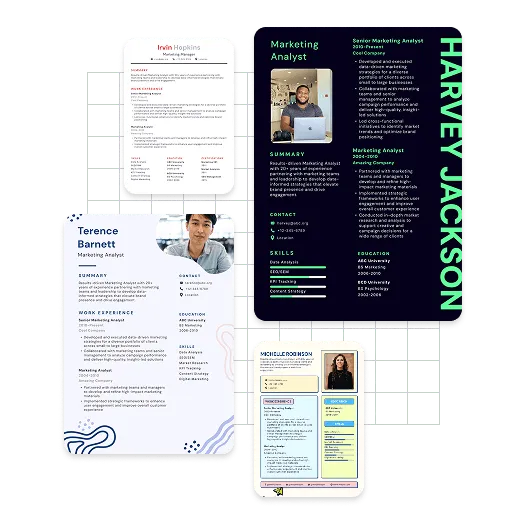
Design.com's AI is packed with thousands of professionally crafted resume designs across every industry and career stage, so it can generate a resume that suits you in seconds. No blank page, no wrestling with margins, no template that looks like everyone else's.
Generate resume designs with artificial intelligence
Turn your details into a resume that looks designed rather than typed. Enter a few details about yourself and the role you're after, and Design.com's AI instantly generates a set of resume designs built around them. Skip the formatting struggle. Bring your application to life with AI-powered creativity from Design.com.
Customize your AI resume
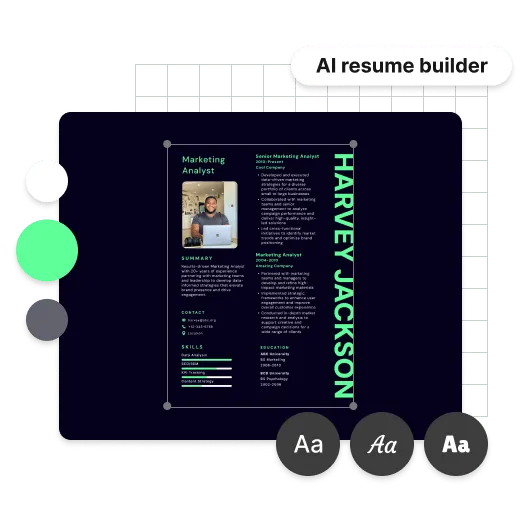
Found a resume you like? Make it yours. Adjust fonts, colors, layouts, shapes, and gradient effects with the drag-and-drop editor until it reads exactly the way you want. Your resume, your rules.
Your AI resume is ready for printing or download
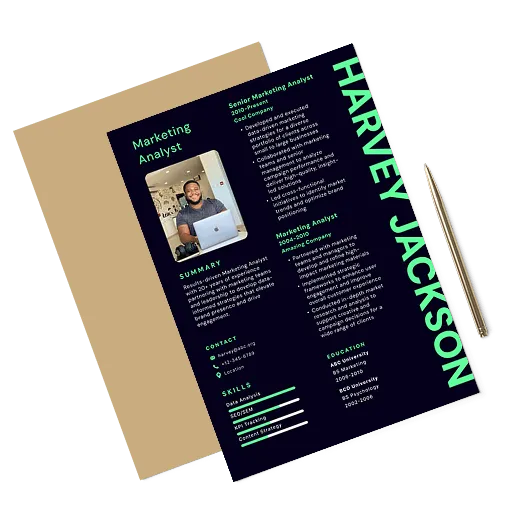
Once you've fine-tuned your resume, download it and start applying. Your files are stored in your account forever, ready for the next opportunity.

High-resolution resume files (PNG and JPG files) — ready for sharing
Vector resume files (SVG, EPS and PDF) — ready for print
Features
Create your dream resume in seconds!
Here's why you should choose our AI resume builder to create your resume:
Unique AI-generated resumes
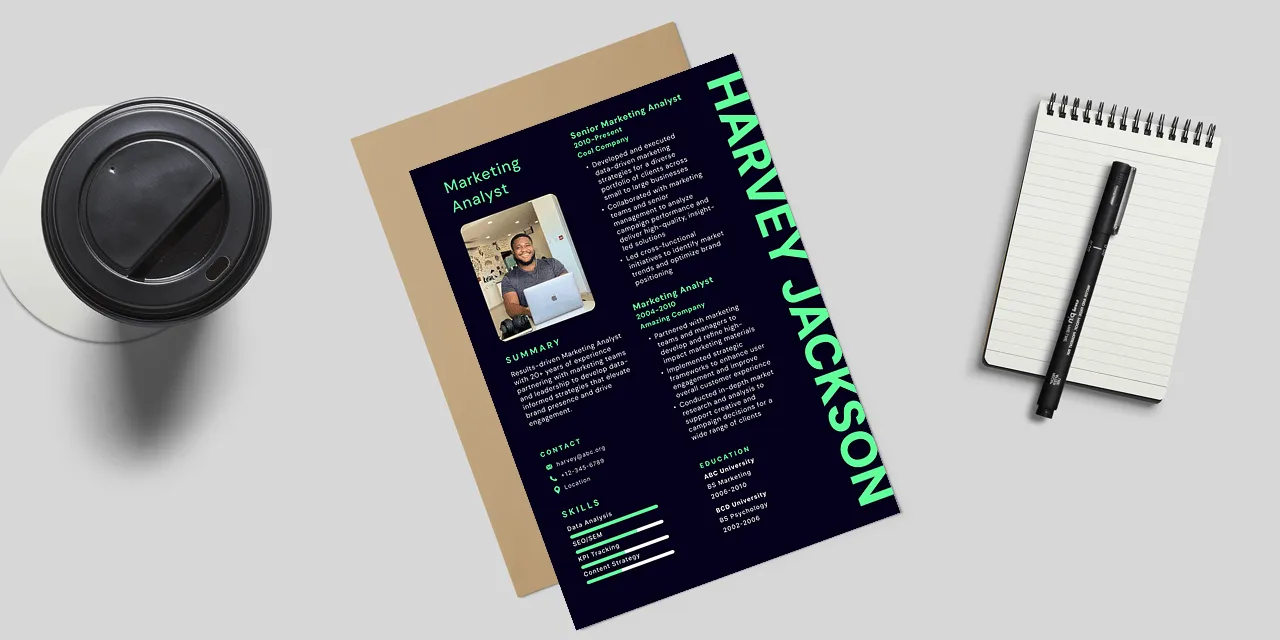
Design.com uses advanced AI and thousands of professional designs to create original resumes in seconds.
Endless design options
More designs to choose from than other AI builders, with unlimited color and layout variations on every one.
Generate a resume instantly
Choose a design and customize it within seconds. Have a finished resume in minutes, not an evening.
How to
How do I generate a resume at Design.com?
Create a resume you're proud to send in no time at all. Here's how it works from start to finish. Let's get started!
Discover AI resume designs
Provide a few details about yourself and the role you're targeting. Design.com's AI generates a range of resume designs tailored to what you've told it.
Easy prompt updates
Add keywords or adjust your description, and the AI fine-tunes your results until they match what you had in mind.
Create a resume shortlist
Tap the heart icon to add designs to your shortlist. Save your top picks and compare them side by side before you decide.
Resume editing made easy
Use the advanced editor to adjust colors, fonts, layouts, and creative shapes until every detail is right.
AI resume preview
Preview your resume exactly as it will appear before you finalize anything.
Download your resume
Click download to get all the files you need, ready to send or print.
AI Resume Builder FAQ
What is an AI resume builder?
An AI resume builder is an online tool that uses artificial intelligence to generate professional resume designs from a few details about you, without needing a designer. Design.com is a great choice if you want a high-quality resume that looks properly designed, along with the option to create additional matching assets like digital business cards, portfolio websites, and email signatures, all in one place.Why is Design.com the world's best AI resume builder?
Here are the top 5 reasons Design.com is the best AI resume builder:
- Design.com has one of the world's largest design libraries, with thousands of professionally crafted resume templates
- Every template is designed by professional designers, not generic stock layouts, giving your resume a polished, premium feel
- You get more design options than other AI builders, so your resume doesn't look like everyone else's in the pile
- Over 750 fonts, 62,000+ custom shapes, and unlimited color and layout variations mean you can make it genuinely yours
- When you create a resume on Design.com, you get access to the full design suite with 50+ tools and over 590,000 templates
How do I create a resume with Design.com's AI resume builder?
Creating a resume with Design.com is quick and beginner-friendly. Start by entering a few details about yourself and the role you're after, and Design.com will instantly generate relevant resume designs for you to browse. Choose a design you love, then customize the fonts, colors, and layout using the simple editor. Add your favorites to a shortlist using the heart icon, then download in high resolution or print.What types of resumes can I create with Design.com?
Design.com's AI resume builder supports a wide range of styles and purposes, covering every industry, career stage, and application type. The template library spans everything from creative and design roles through to corporate, technical, healthcare, education, and trades.Do I need design experience to use Design.com's AI resume builder?
Not at all. The AI does the design work, and the editor uses simple drag-and-drop tools for fonts, colors, layouts, and shapes. If you can describe the role you're going for, you can build a resume that looks professionally designed.What file formats does Design.com provide for resumes?
Design.com provides all the files you need. Downloads include high-resolution PNG and JPG files for digital sharing and online use, as well as vector files (EPS, SVG, and PDF) for professional print use.Can I edit my resume once I've finished?
Yes. Once you've downloaded your resume, you can return to the editor at any time to make changes. You can also create as many brand-new resumes as you need, whenever you need them.Are my resume files saved?
Yes. Your resume files are stored securely in your Design.com account forever, so you can come back and re-download or edit them whenever the next opportunity comes up.Can I create matching materials alongside my resume?
Yes, absolutely! Once your resume is created, you can get access to Design.com's full design suite, including digital business cards, Link in Bio pages, email signatures, letterheads, QR codes, portfolio websites, and social media graphics.