5 Best Logo Makers for a Complete Brand Kit in 2026
Creating a logo is the easy part. The bigger challenge is making everything that comes next feel like it belongs to the same business, from your website and business cards to social posts and posters. A good logo maker should help carry the same colors, fonts, and visual style across all of them.
We ranked five popular logo makers in 2026 based on how far they can take you beyond the logo and how complete their brand kit experience really is. Each platform was tested with the same brief, giving us a consistent way to compare the results, brand kit features, and tools available for other business materials.
Design.com stood out as the best overall choice, combining strong logo creation with a wider set of tools to keep your visual identity consistent. Below, we break down all five logo makers, what each offers, and which options you’ll find in the most complete brand kit.
Quick verdict
| Rank | Tool | Brand Kit Strength | Starting Price | Vector Files |
| 1 | Design.com | One brand kit that fills your logo, website, cards, and socials automatically | Free tier available, paid plans from $3/mo billed annually | Yes, included free |
| 2 | BrandCrowd | Quick, affordable logo that extends into matching brand assets | Free tier available, paid plans from about $3/mo billed annually | Yes, included free |
| 3 | Canva | Excellent design suite, but brand kit tools sit behind Pro | Free, Pro is about $10/mo billed annually | Paid plans only |
| 4 | Adobe Express | Powerful software, but logo and brand assets live in separate apps | Free tier available, paid plans vary | Paid plans only |
| 5 | Looka | Logo and brand kit are sold as two separate purchases | Logo packages plus a separate brand kit subscription | Paid packages only |
How we tested
We ran a business brief through every tool on this list:
- Simple Glow Cosmetics, a brand in the Beauty & Cosmetics industry
For each tool, we checked how well the logo fit the brief, whether the brand kit extended to other assets without extra work, which file formats came included, what the tier most buyers choose costs actually, and how long a first-time user needed to finish. Every score came back to one question: after the logo, how much work is left?
Screenshots from our own test runs sit under each review. Swap in your own if you repeat the briefs, since AI logo tools regenerate differently every time.
The best logo makers for a complete brand kit
1. Design.com
| Field | Detail |
| Price | Free plan available, paid plans from $3/mo billed annually |
| Brand kit | One kit applied automatically across logo, website, business cards, and social templates |
| One-line verdict | The most complete brand kit of any logo maker we tested |
| Pros | 500,000+ exclusive templates, AI editing, 50+ design tools, animated logo exports |
| Free tier | Yes, full logo download with no vector limitation, plus a free website, digital business card, and link in bio page |
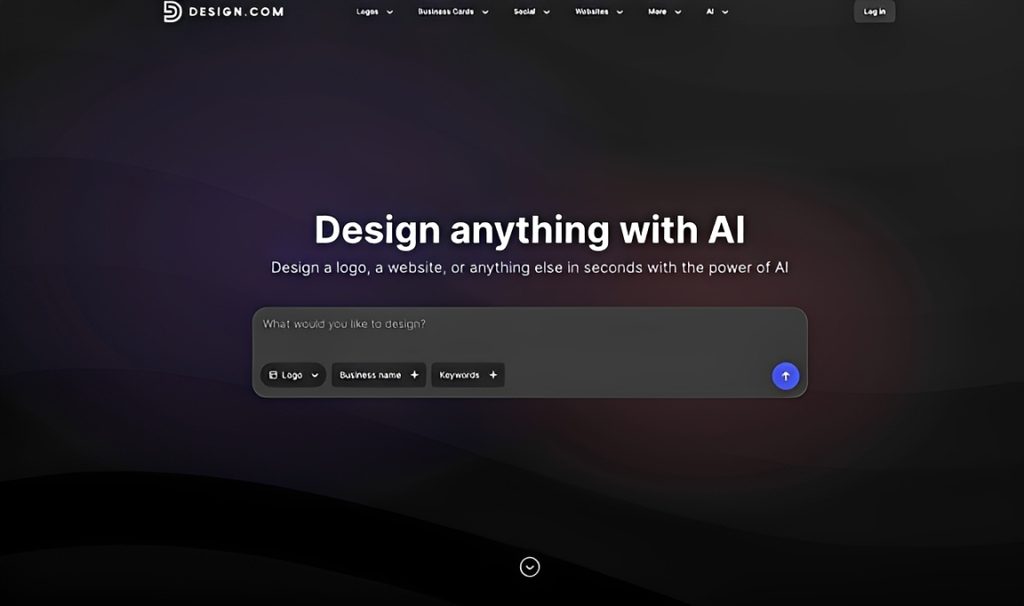
Design.com rates 4.7 on Trustpilot across 4,000+ reviews, and its biggest strength is how easily a logo becomes a complete brand kit. You enter a business name, browse AI-generated concepts from a library of 500,000+ logo templates, and choose a design that fits your business. The colors and overall style then carry into matching websites, business cards, social media graphics, and marketing materials.
This connected approach makes Design.com particularly useful for small businesses that need more than a logo. Its 50+ design tools cover everything from websites and presentations to flyers and posters. You can also refine individual designs through its AI chat editor, explore 750+ fonts and 62,000+ vector shapes, and download logos in PNG, JPG, SVG, EPS, and PDF file formats.
The free plan includes logo downloads, a website, a digital business card, and a link in bio page. Paid plans start at $3 per month when billed annually, providing access to additional premium designs.
Our test: Simple Glow Cosmetics
Here’s what Design.com produced when we ran our test brief for Simple Glow Cosmetics through it. The generated logos featured soft colors, clean typography, and minimal beauty-inspired elements. The concepts suited a skincare business, giving us a clear visual direction for the rest of the brand kit.
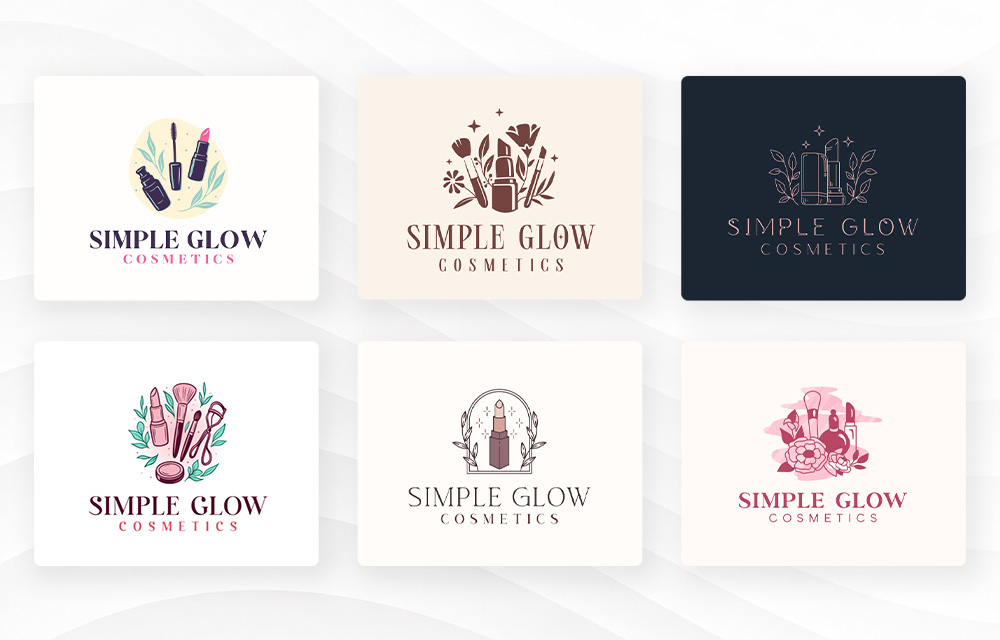
The more interesting part came after choosing a logo. Rather than stopping at a standalone design, we explored how Design.com could carry the same visual identity into the materials a cosmetics business would use every day.
We started with the website builder, where the selected logo, colors, and typography could form the foundation of a matching skincare website. The design could bring together product information, images, and contact details while maintaining the same clean appearance.
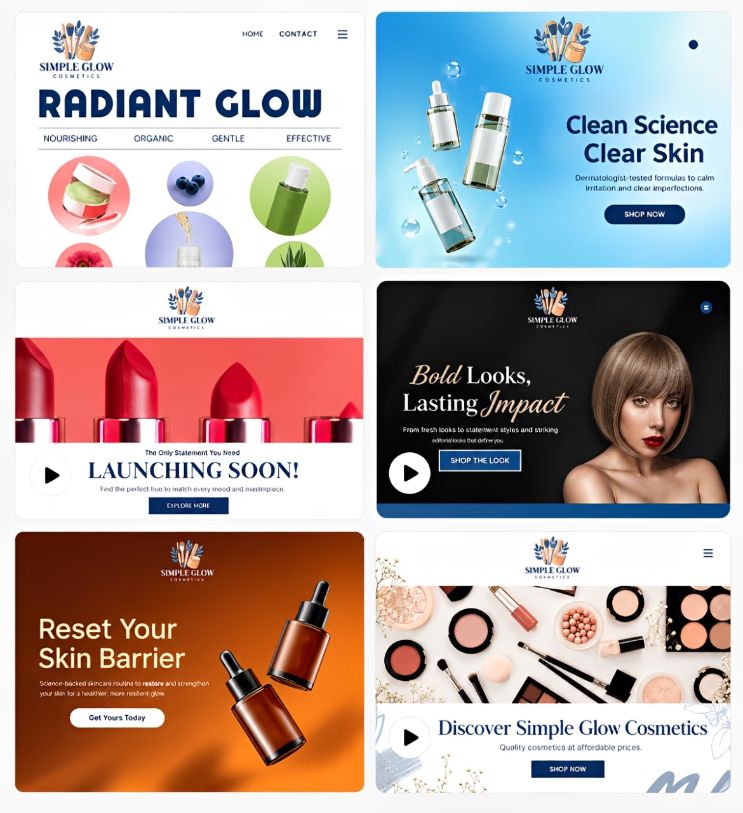
Next came the business cards. Design.com made it easy to add the same logo to different business card layouts and create a professional design with minimal effort.
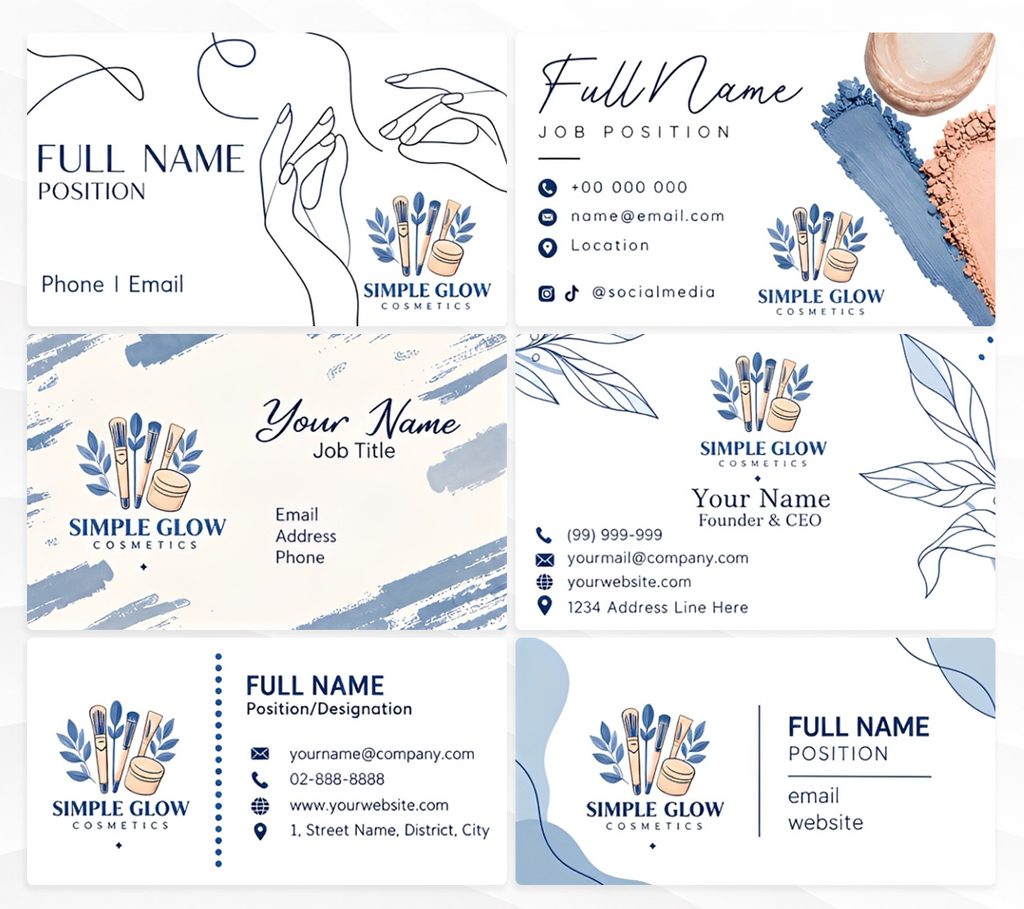
The same visual identity could then extend into social media posts. Using Design.com’s social media tools, we could create product announcements, skincare promotions, and Facebook graphics while keeping the colors and typography consistent with the original logo.
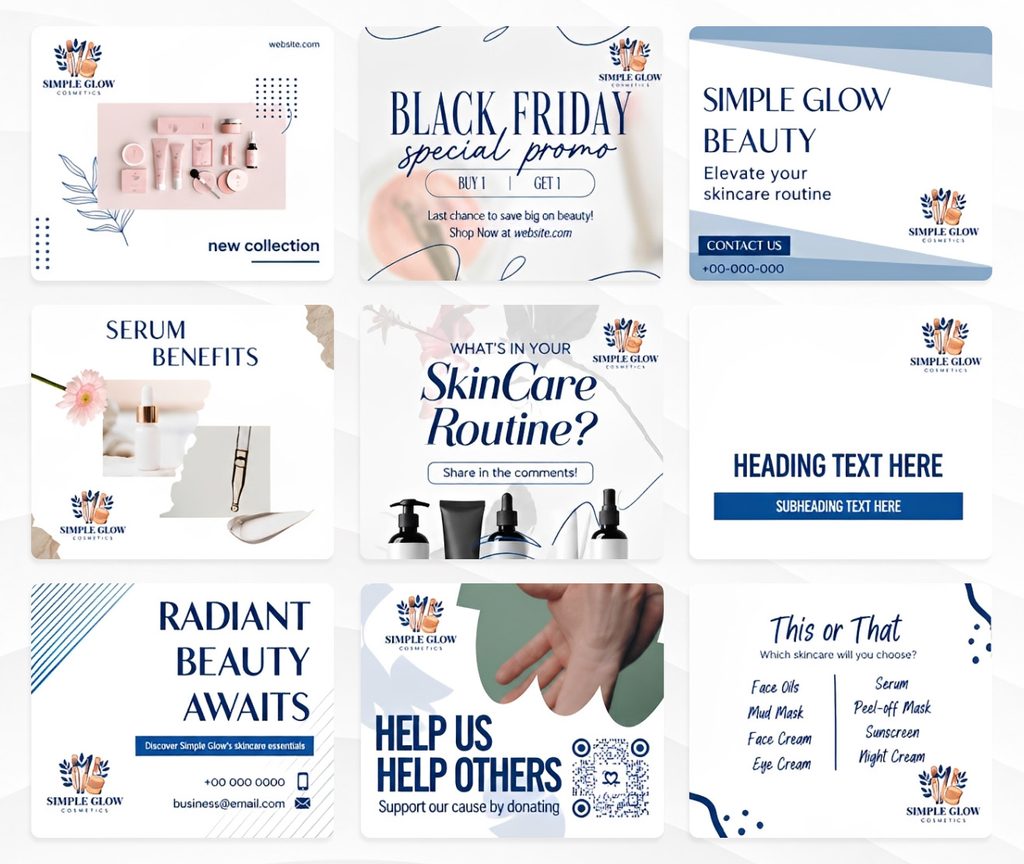
What stood out was how naturally these materials could work together. The logo established the visual direction, and Design.com’s connected tools made it easier to apply that identity across different formats. Instead of ending with one finished logo, the process could produce a coordinated website, business cards, social graphics, and posters.
Design.com takes the top spot because it makes brand kit creation part of the logo design process. The Simple Glow Cosmetics example shows how that approach can bring an entire visual identity together without rebuilding every design from scratch.
2. BrandCrowd
| Field | Detail |
| Price | Free plan available, paid plans from about $3/mo billed annually |
| Brand kit | Logo that carries into matching brand assets, with unlimited edits on paid plans |
| One-line verdict | The quickest route to a professional logo and a brand kit you can keep refining |
| Pros | 380,000+ templates, unlimited edits on paid plans, vector exports included |
| Free tier | Yes, full logo download with no vector limitation |
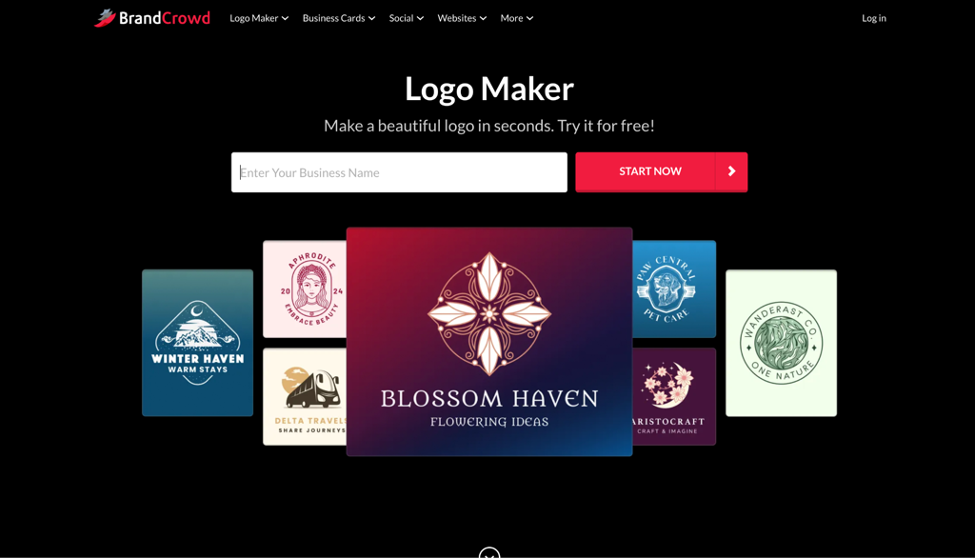
BrandCrowd holds a 4.8 out of 5 rating on Trustpilot from 9,000+ reviews, and speed is its calling card. You start with a business name and an optional industry filter, and most people reach a finished download within minutes. For a brand kit built on a deadline, that pace counts, and unlimited edits on paid plans let you adjust the brand as the business grows without paying twice.
The free plan is just as open, with no vector limitation. Paid plans start at roughly $3 a month on annual billing.
We ran the same instruction through BrandCrowd.
BrandCrowd’s logo maker handled the beauty brief well because the concepts looked professional and on-category immediately. A new cosmetics founder could choose one and feel confident putting it on a product page the same day. That speed from brief to usable brand kit earns it the second spot.
3. Canva
| Field | Detail |
| Price | Free tier available, Pro about 10/mobille annually (15 month to month) |
| Brand kit | Brand kit tools available on Pro, with colors, fonts, and logos set up manually |
| One-line verdict | Great for creating content, weaker as the starting point for a brand kit |
| Pros | Huge template library, drag and drop editor, full design suite |
| Free tier | Yes, logos download as PNG or JPEG for free |
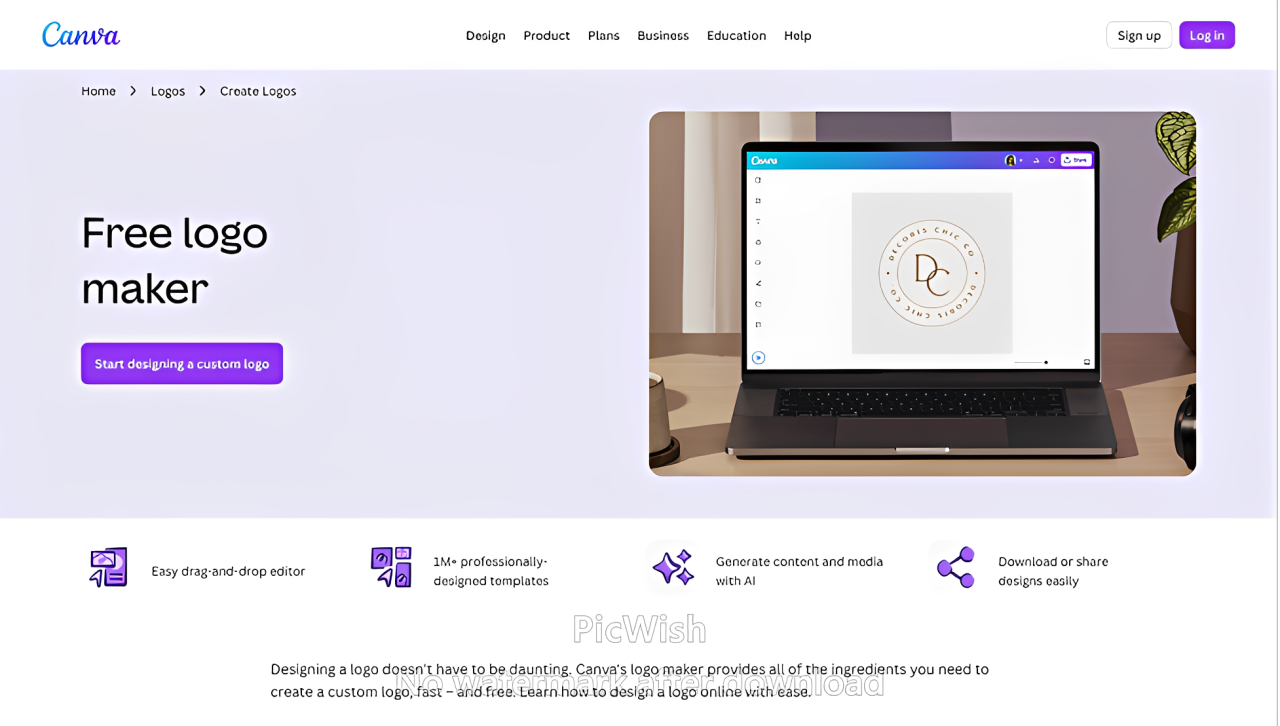
Canva was never built as a dedicated logo maker, and that gap widens when the goal is a complete brand kit. Your logo ends up as one design among thousands rather than the foundation everything else grows from. Keeping colors and fonts consistent takes manual setup, and the features that automate it require a paid plan.
The beauty results fell short as a brand kit foundation. Canva’s logo templates aren’t exclusive, so the same base design could land on a competing skincare label, which defeats the purpose of building a distinct identity.
4. Adobe Express
| Field | Detail |
| Price | Free tier available, paid plans vary by product |
| Brand kit | Assets built across separate Adobe apps rather than one connected kit |
| One-line verdict | Professional-grade tools, but not a streamlined brand kit |
| Pros | Industry-standard software, deep editing control |
| Free tier | Yes, limited logo creation |
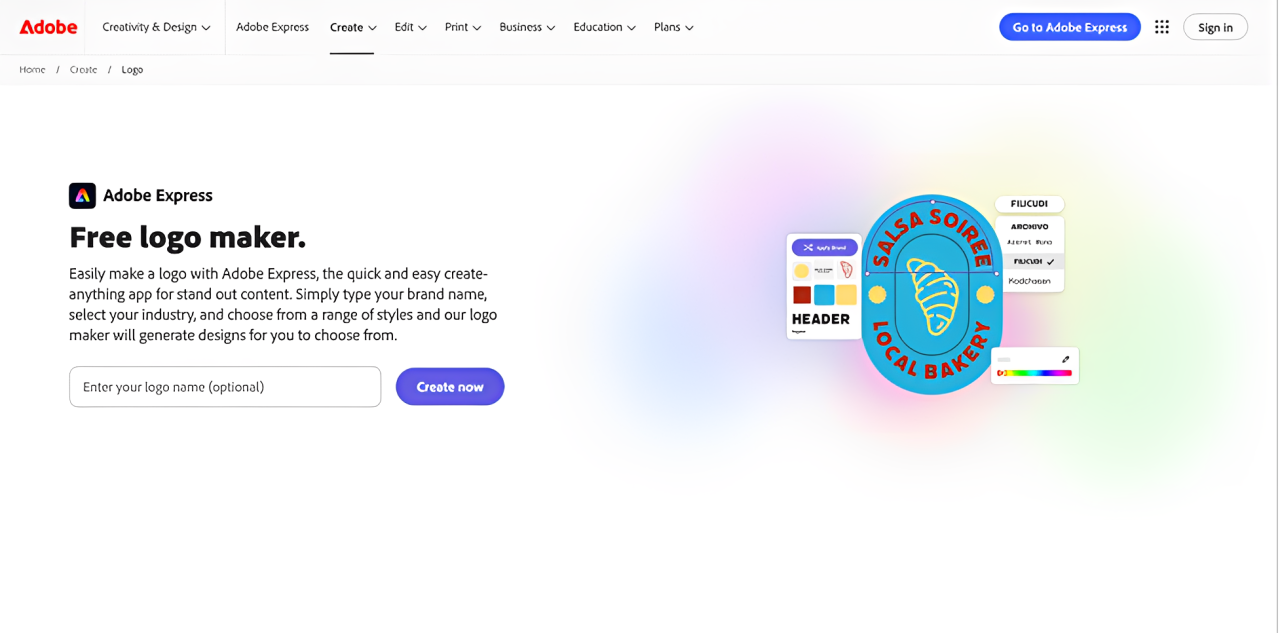
Adobe brings real power, but for most small businesses that power works against a complete brand kit. The logo, the brand assets, and the marketing materials usually live in different products, so carrying your look across them demands time and design skill. The strongest results need paid plans and more know-how than a first-time founder typically has.
We tested the same brief with Adobe Express.
The beauty results fell short as an all-in-one answer because going from logo to a full set of matching assets meant stitching pieces together by hand. A solo founder launching a product line rarely has time for that.
5. Looka
| Field | Detail |
| Price | One-time logo packages plus a separate brand kit subscription |
| Brand kit | Sold separately from the logo, covering cards, social assets, and other materials |
| One-line verdict | A decent logo generator whose brand kit costs add up fast |
| Pros | Simple AI-driven process, quick logo concepts |
| Free tier | Logos can be designed free, but downloading requires a purchase |
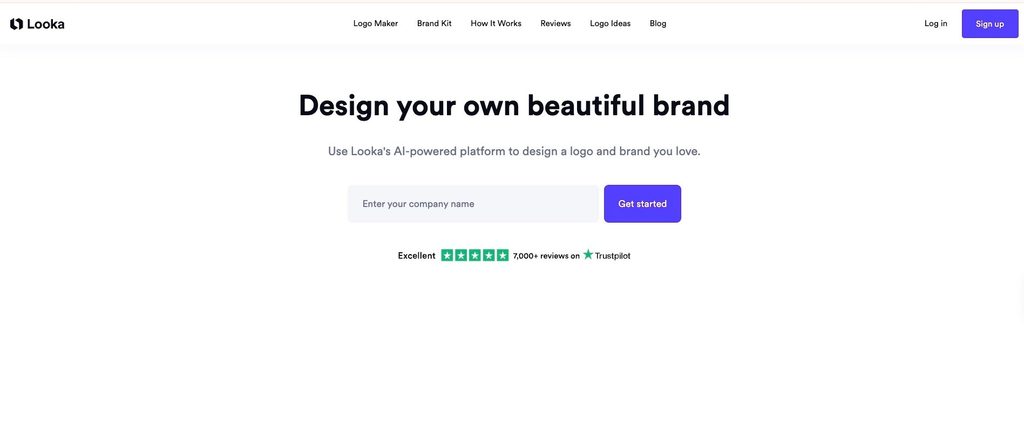
Looka is quick to use, but it splits the logo and the brand kit into two products. You pay for the logo first, then pay again for matching cards, social assets, and other materials. For anyone who wants a complete brand kit, that split makes the final cost harder to predict than with tools that bundle it from the start.
For the beauty brief, the concepts came across as generic. A cosmetics brand has to stand out on a crowded shelf, and a logo that resembles many others leaves the rest of the kit with nothing distinctive to build on.
More brand kit tools you can use with Design.com and BrandCrowd
A logo only becomes a brand kit once you can use it across everything your business touches. That is where Design.com and BrandCrowd pull ahead of the rest of this list, because both extend well beyond the logo file.
With Design.com, the brand kit carries across 50+ design tools. Beyond the logo, you can build:
- A free website that picks up your logo colors and style
- A digital business card you can share with a link
- A link in bio page for your social profiles
- AI presentations that pull from the same palette
- Image generation exports for social content
Everything draws from the single kit you set up once, so a color change updates your brand in every place instead of one file at a time.
With BrandCrowd, the focus is on getting a polished brand in place quickly and keeping it flexible. Alongside the logo, you can create:
- Matching business card designs and social media graphics built from your logo
- Vector files for print, signage, and packaging
- Unlimited edits on paid plans, so your kit evolves with the business
If you need the widest set of connected tools, Design.com is the stronger fit. If you want a fast, affordable kit you can keep adjusting, BrandCrowd is hard to beat. Confirm the current feature list on each site before publishing, since both add tools regularly.
A brand kit that works
A brand kit at minimum holds your logo in several formats, a defined color palette, matching fonts, and ready-to-use templates for the places your brand shows up. The value is consistency, since every customer touchpoint should look like the same company.
Beauty and cosmetics brands feel that consistency most visibly. Packaging, product pages, and social feeds all compete for attention, and a mismatched look reads as unprofessional. Jewelry and accessories brands face the same test at a smaller scale, because the logo has to stay legible on a tag, a box, and a thumbnail.
The common thread is automation. A brand kit you rebuild by hand for every new asset is one you’ll eventually stop maintaining. Test any logo at a small size before committing, and check how much of the rest of your brand it can produce without extra work.
Final verdict
The best logo maker for a complete brand kit is the one that removes the most work after the logo is done. Design.com leads because a single kit feeds your logo, website, business cards, and social templates, and the free tier makes it easy to test. BrandCrowd is a strong second for founders who want a polished logo quickly and the freedom to keep editing.
Canva, Adobe, and Looka each do something well, but none delivers a complete brand kit without extra cost, extra tools, or extra effort. If you want a finished, consistent brand from day one, start with Design.com or BrandCrowd and match the tool to what you’re building.
FAQs on logo makers and brand kits
1. What is a brand kit, and why does it matter?
A brand kit is a saved set of your logo, colors, and fonts that applies across your materials. Consistency builds recognition and trust, and a kit spares you from recreating your look every time.
2. Do I need vector files in my brand kit?
Yes, if you plan to print anything beyond a small sticker. Vector files like SVG scale to any size without losing quality, which matters for signage, packaging, and apparel. Some tools include them free, while others gate them behind higher plans.
3. Is a free logo maker good enough to start a brand kit?
It depends on the tool. Some free tiers offer only low-resolution downloads. Others, like Design.com and BrandCrowd, include a full download with vector files, which is enough to start a real brand.
4. How long does it take to build a complete brand kit?
With a template-based tool, ten to twenty minutes gets you a finished logo. Tools with a fuller kit, like Design.com, can take a bit longer, but that time usually buys consistency across your website, cards, and social posts.
5. Should I pay for a logo and brand kit separately?
Usually not. Separate purchases make the total cost harder to predict. Choose a tool where the logo and the kit arrive together so you don’t pay twice for the same brand.
Read more on brand kits and logo design here:
- 30 Famous Logos and the Typography Behind Them
- Creating A Brand Kit: Why and How?
- How to Choose the Right Logo Font
Anne Joyce Raymundo is an SEO Content Writer with years of experience creating compelling content for businesses of all sizes. She creates thoughtful, research-backed articles that turn complex topics into clear, actionable reads.