6 Best AI Design Platforms in 2027
Modern AI design platforms eliminate the technical barriers of traditional graphic software for entrepreneurs and small businesses. Instead of building layers and vectors manually, you can generate ready-to-use visual assets using simple conversational prompts.
Choosing the right logo maker gives you an immediate commercial edge. A strong platform lets you launch professional logos, marketing collateral, websites, and business cards without agency costs or design experience.
Quick answer on the best AI design tools
Design.com is the best overall AI design platform for non-designers. Holding the title of #1 logo company globally with a 4.7 Trustpilot score, it houses over 500,000 logo templates and 1 million design layouts.
Its conversational AI editor lets you customize graphics via simple chat prompts, while the system automatically applies your brand styling across websites, business cards, and 50+ marketing materials.
BrandCrowd ranks as the top runner-up for high-speed brand creation. Backed by a 4.8 Trustpilot rating across 9,000 reviews, it features over 380,000 designer-crafted logo templates that avoid distorted generative artwork.
Both platforms offer completely free templates with high-resolution vector exports, free website publishing, and optional extended licenses for full asset exclusivity.
Which AI design platform is best at a glance?
Here is a quick look at how the top platforms compare in terms of features, vector exports, and pricing. Use this snapshot to find the best match for your workflow in seconds.
| Platform | Best For | Core Capability | Vector Exports (SVG/EPS) | Starting Price |
| Design.com | Complete brand ecosystems, logos, and print | Chat-based AI logo editing with 50+ integrated design tools | Included on free and paid tiers (SVG, EPS, PDF) | Free tier ($0); Paid plans from $3 per month on annual billing |
| BrandCrowd | High-volume logo discovery and matching collateral | Conversational AI editor and automatic template branding | Included on free and paid tiers (SVG, EPS, PDF) | Free tier ($0); Paid plans from $3 per month on annual billing |
| Canva | Everyday social media and team graphics | Magic Studio generative expand, erase, and translate | Scalable SVG exports require Canva Pro | Free tier ($0); Canva Pro from $120 per year |
| Adobe Express | Commercial generative fill and branded assets | Commercially safe Adobe Firefly generative models | Basic vector support via Creative Cloud sync | Free tier ($0); Premium tier from $9.99 per month |
| Wix Studio AI | Responsive web layouts and site branding | Conversational multi-page website generator | Web-optimized assets; no direct print vectors | Free plan ($0); Light plan from $17 per month |
| Shopify Magic | E-commerce product visual staging | AI background replacement and scene builder | Web catalog rasters; no standalone vector files | Included free with active Shopify plans from $29 per month |
What are the best AI design platforms for non-designers?
These platforms deliver professional visual assets without requiring any prior design experience. Here is how the top options stack up for your business.
1. Design.com – Best overall AI design platform
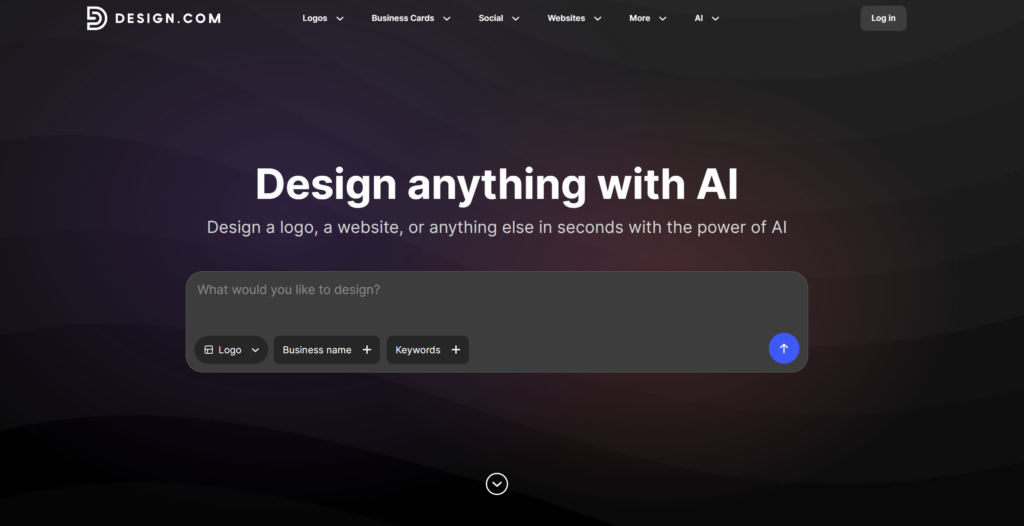
Design.com is the #1 AI logo maker globally, backed by a 4.7 Trustpilot rating from over 4,000 verified reviews. It houses the world’s largest creative library, with over 500,000 logo templates and more than 1 million design layouts across commercial sectors.
Type in a concept like “Aura Botanic Skincare” and your industry. In just a few seconds, the engine delivers over 10,000 logo designs.
In fact, here are a few of our favorite logos:
Aesthetician Skincare Cosmetics by Design.com
Flower Florist Botanical by Design.com
Natural Skincare Aesthetician by Design.com
Skincare Beauty Spa by Design.com
From there, you refine your favorite logo using the AI chat editor. You can ask it to swap your logo icon, and the custom-trained AI handles the revision.
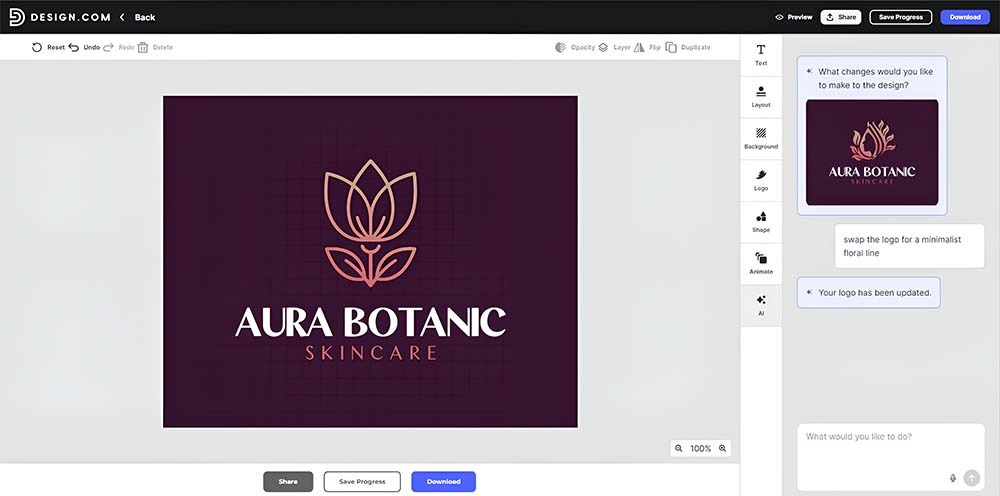
What you get as an output
Once your logo is finalized, the platform automatically syncs your color palette and typography across 50 other branding tools. You receive ready-to-use business cards, websites, posters, digital business cards, letterheads, social media graphics, flyers, and even an interactive link-in-bio page without using manual layout software.
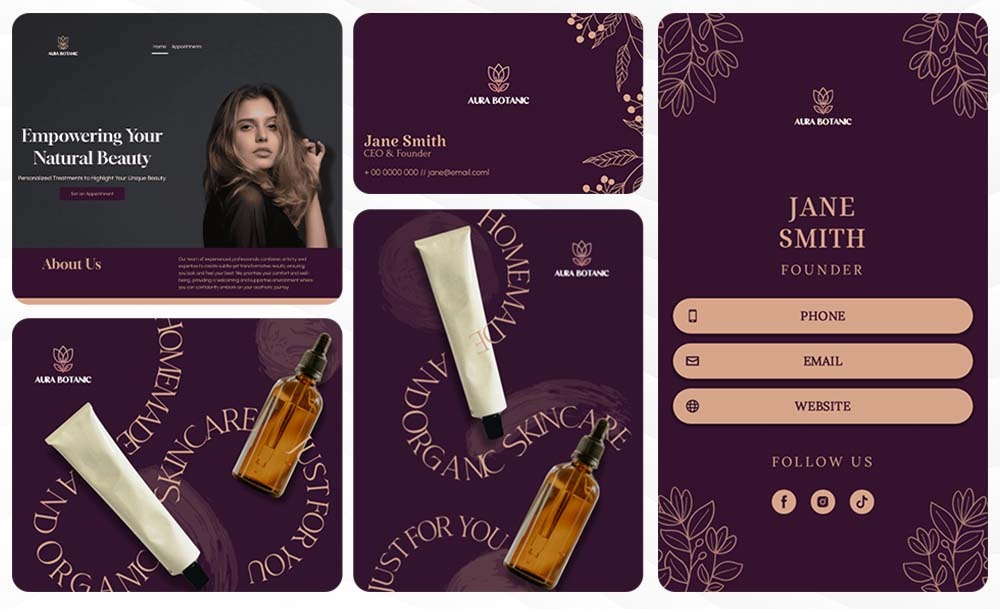
Downloads include high-resolution vector files such as SVG, EPS, and PDF, as well as web-ready transparent PNGs and animated MP4 clips.
Pricing and plans
The free tier includes high-resolution vector logo downloads, free access to a website builder, a digital business card maker, and a link-in-bio creator that you can publish at zero cost.
Paid options begin with the Starter plan at $3 per month on annual billing, or $9 per month on monthly billing, giving you forever ownership, unlimited revisions, and access to 651,000+ templates.
The Value plan costs $4 per month on annual billing or $14 per month on monthly billing, and includes full website creation and hosting tools. The Premium plan costs $5 per month on annual billing, or $19 per month on monthly billing, unlocking the complete marketing stack with interactive digital business cards.
Final takeaway
Design.com is the most comprehensive brand-launch platform for non-designers. It takes you from a raw business name to a fully branded digital and physical presence in an afternoon.
2. BrandCrowd – Best for high-volume logo discovery and matching collateral
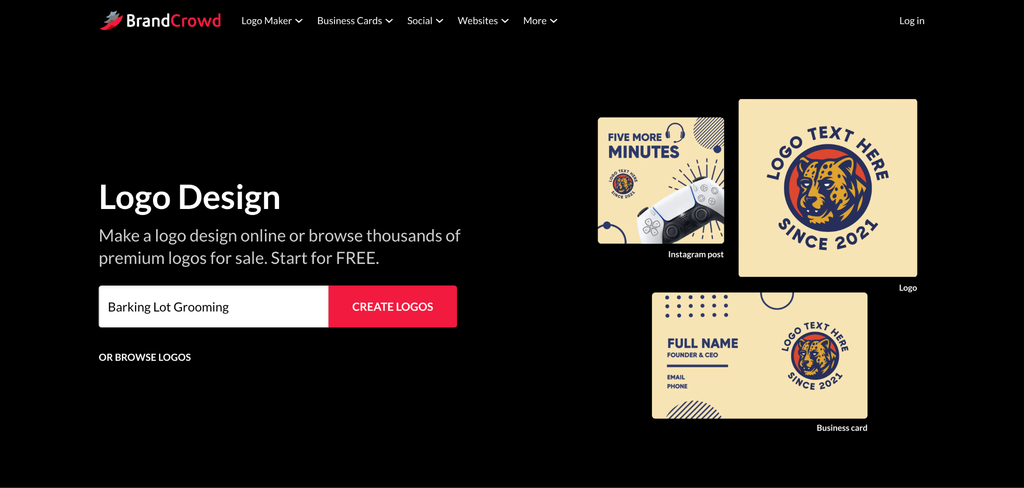
BrandCrowd holds an impressive 4.8 Trustpilot rating across more than 9,000 customer reviews. Its catalog offers over 380,000 curated logo templates and over 1 million design templates in total.
Enter a business name like “AlphaFit Studio,” and the platform serves up thousands of industry-tailored concepts like these logos:
Because every base design is crafted by professional graphic artists, you avoid the distorted geometry and messy lines common in raw generative image models.
You can customize your mark using the conversational AI editor. Simply type “shift the primary color to matte navy and tighten the letter spacing,” and the system renders production-ready versions on the spot.
What you get as an output
Just like Design.com, selecting a logo triggers BrandCrowd’s automatic collateral generator. Your brand styling instantly populates across more than 50 marketing tools, delivering print-ready flyers, event posters, menus, presentations, and social media stories.
Downloads include crisp vector files in SVG, EPS, and PDF formats that scale to any billboard or signage dimension without pixelation.
Pricing and plans
BrandCrowd offers a free tier with logo downloads, live website publishing, a digital business card maker, and a link-in-bio builder.
The Starter plan costs $3 per month on annual billing or $9 per month on monthly billing, and includes vector files, unlimited changes, and access to 651,000+ marketing templates.
The Value plan costs $4 per month on annual billing or $14 per month on monthly billing, and includes full website creation.
The Premium plan costs $5 per month on annual billing, or $19 per month on monthly billing, for complete access to link in bio and digital business card tools.
Final takeaway
BrandCrowd is the premier choice for founders who want instant inspiration without sacrificing clean design principles. Its massive catalog of designer-made assets ensures your brand looks balanced from day one.
3. Canva – Best for everyday social media and team collaboration
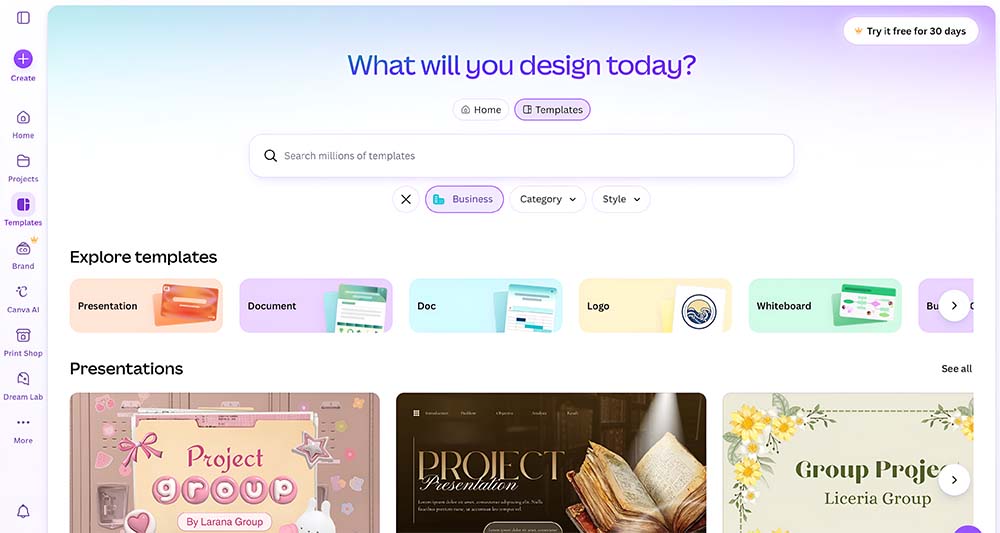
Canva is the standard visual workspace for solopreneurs and content creators. Its drag-and-drop editor removes technical barriers by wrapping professional layout guidelines directly into an intuitive canvas.
What you get as an output
Canva delivers an ongoing stream of digital and print marketing assets. You get formatted Instagram carousels, TikTok video templates, slide presentations, printable posters, and PDF reports.
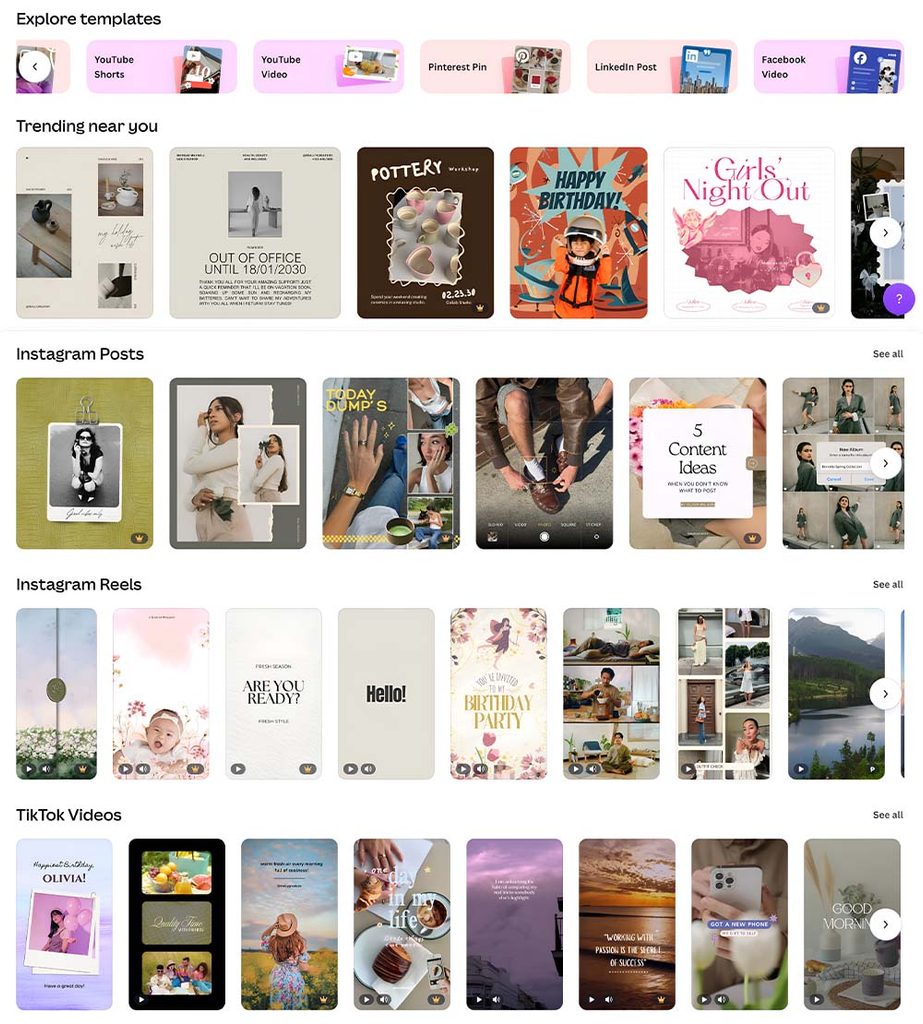
For growing businesses, Canva includes locked brand kits. This feature stores your official hex codes, approved typography, and official logos so team members and freelancers never produce off-brand graphics.
You also get access to an enormous media vault filled with millions of royalty-free stock photos, video clips, and motion animations. This allows you to produce promotional campaigns without paying for separate stock site subscriptions.
Pricing and plans
Canva offers a generous free tier with core drag-and-drop tools, thousands of templates, and 5GB of cloud storage.
Canva Pro runs $120 per year on annual billing, or $15 per month on monthly billing, unlocking full Magic Studio AI tools, brand kit controls, premium stock assets, and scalable SVG vector exports. Canva for Teams starts around $300 per year for the first three team members.
Final takeaway
Canva is the most versatile daily marketing platform available. It is the best choice for businesses that already have a core logo and need to produce ongoing promotional content quickly.
4. Adobe Express – Best for commercially safe generative AI and photo tweaks
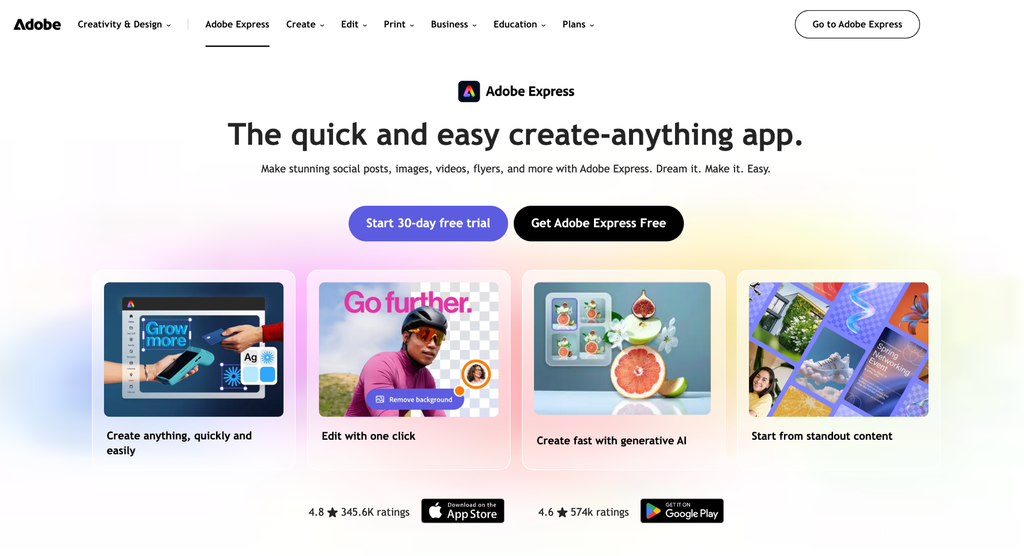
Adobe Express packages the industry-leading power of Photoshop and Illustrator into an accessible web app built for non-designers. It eliminates complex layer menus in favor of fast, one-tap generative tools that simplify content production.
What you get as an output
Adobe Express produces high-resolution promotional flyers, animated social ads, video reels, and digital marketing banners like the samples below:
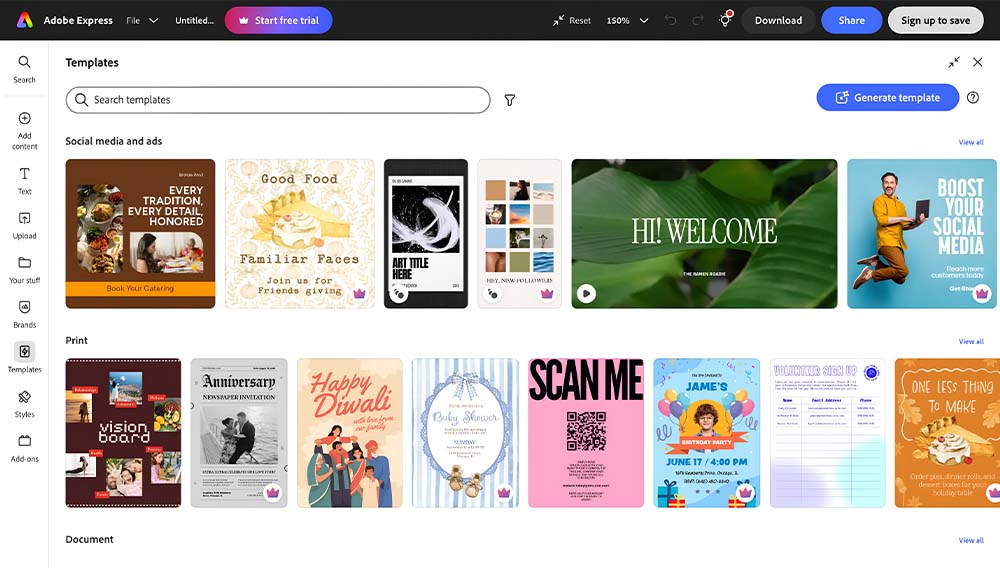
The biggest benefit for commercial brands is legal peace of mind. Because Adobe Firefly is trained strictly on licensed Adobe Stock images and public domain media, you can publish promotional graphics without worrying about copyright infringement.
The app also connects with Adobe Creative Cloud. This allows team members to import layered files created by professional designers while restricting edits to simple, safe controls.
Pricing and plans
The free plan provides core layout editing, standard templates, thousands of Adobe Stock photos, and 25 monthly generative credits.
The Premium tier costs $9.99 per month, or $99 per year on annual billing. It unlocks 250 monthly generative credits, full premium Adobe Stock assets, custom brand kits, and automated resizing tools.
Final takeaway
Adobe Express provides the safest generative AI workspace for commercial brands. It gives non-designers enterprise-grade image editing without legal worries or software complexity.
5. Wix Studio AI – Best for AI web design and digital brand layouts
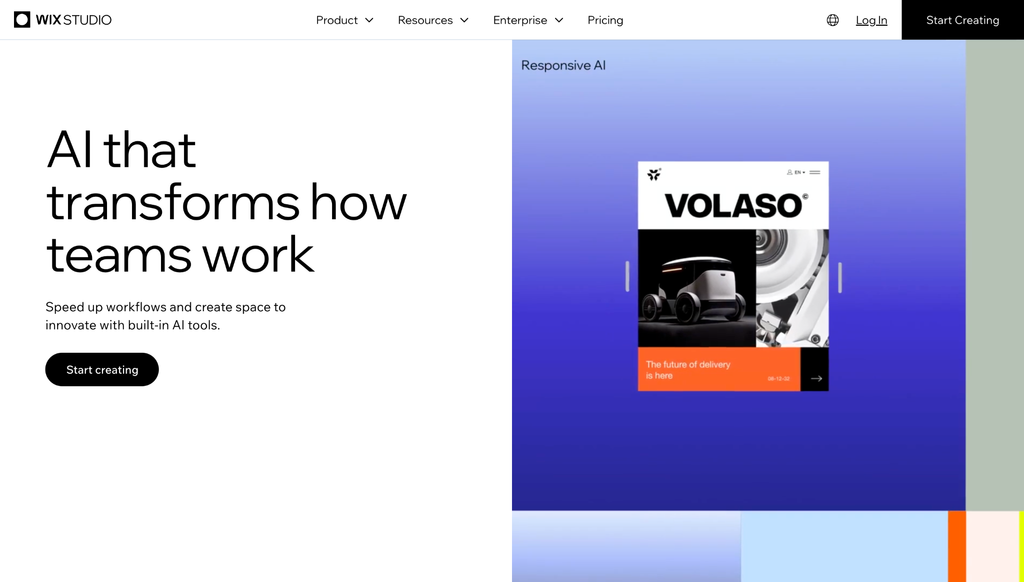
Wix Studio AI is the premier design platform for non-designers whose primary objective is creating a modern, functional web presence. It transforms conversational prompts into fully structured, responsive websites without requiring any coding knowledge.
What you get as an output
Wix Studio AI outputs complete, functional websites with mobile-optimized navigation, appointment booking calendars, and contact forms.
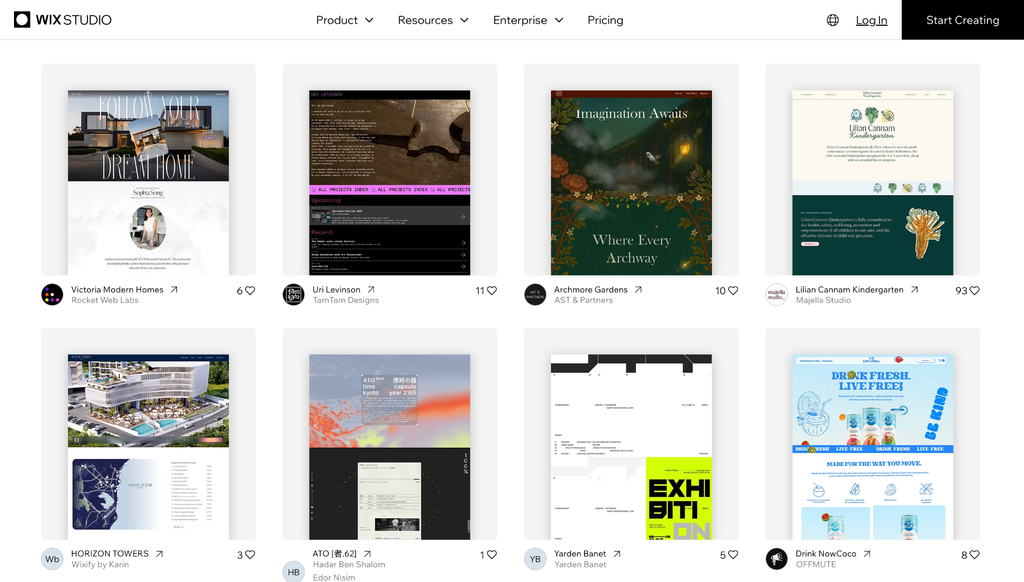
Its biggest advantage for non-designers is automated responsive design. Web layouts have historically required manual CSS adjustments to display properly on phones, but Wix automatically renders desktop, tablet, and mobile views.
Once your layout is finalized, you can connect an active e-commerce checkout, manage customer bookings, and publish your pages to a custom domain directly from the dashboard.
Pricing and plans
Wix provides a free base tier that allows you to build and host a website on a Wix-branded subdomain with standard visual controls.
Premium plans begin with the Light tier at $17 per month to connect a custom domain and remove Wix ads. Core and Business plans scale from $29 to $39 per month for online payments, expanded storage, and marketing automation.
Final takeaway
Wix Studio AI bridges the gap between static graphic design and live web publishing. It is the top option for entrepreneurs who need an interactive digital presence right away.
6. Shopify Magic – Best for e-commerce merchandising and product staging
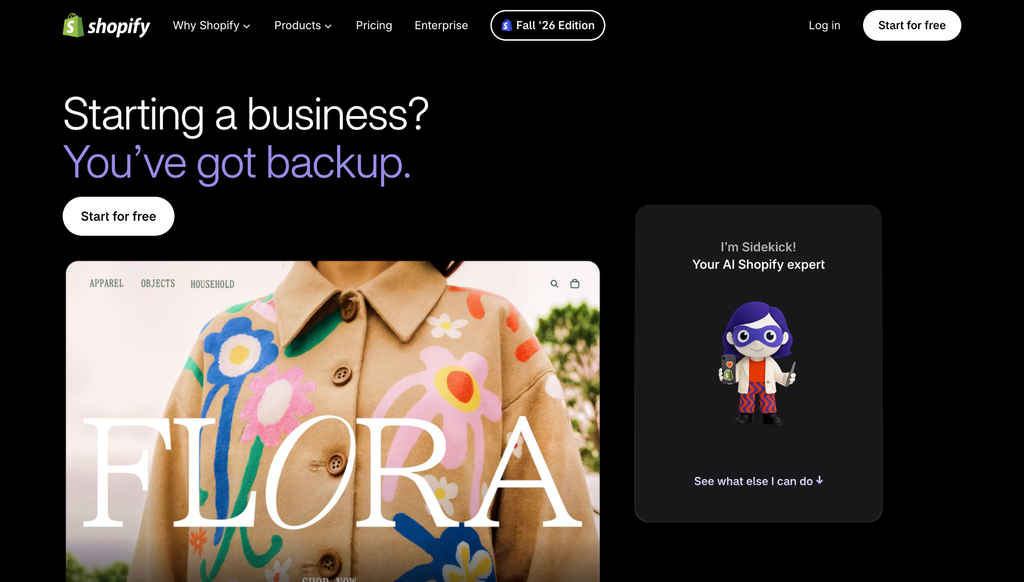
Shopify Magic is a purpose-built visual AI tool designed specifically to help e-commerce sellers create studio-grade product photos. Capturing commercial inventory photos typically requires expensive lighting equipment and physical props, but this built-in engine automates the entire process digitally.
What you get as an output
Shopify Magic produces studio-grade product catalog photos with styled, contextual backgrounds and crisp transparent cutouts.
Because the tool connects directly to your storefront catalog, updating images and optimizing SEO are handled in a single workflow. The AI matches visual adjustments with automated product titles, descriptions, and promotional tags.
This setup eliminates the need to switch between external image-editing software and your online store admin panel.
Pricing and plans
Shopify Magic visual tools are included free of charge with all active Shopify store plans.
The Basic Shopify plan starts at $39 per month, or $29 per month on annual billing, providing full e-commerce hosting, payment processing, and AI tools. Shopify and Advanced plans range from $105 to $399 per month for higher transaction volumes.
Final takeaway
Shopify Magic is an invaluable asset for online merchants. It saves small business owners thousands of dollars in commercial studio photography fees by generating catalog-ready visuals on demand.
Which file formats do you need for your brand?
File format confusion is the most common reason AI designs end up looking blurry in print. Knowing the difference between raster and vector saves you from costly reprinting mistakes.
- Raster Files (JPG, PNG): These images rely on a fixed grid of pixels. They look great on phones and websites, but enlarging them for signs, merch, or uniforms stretches those pixels, leaving you with blurry, jagged graphics.
- Vector Files (SVG, EPS, PDF): These files use math rather than pixels to create shapes. They scale infinitely without losing quality, keeping your logos razor-sharp on everything from business cards to highway billboards.
Platforms like Design.com and BrandCrowd include native vector exports by default, ensuring your physical merchandise looks as crisp as your digital assets.
How do you choose the right AI design platform for your needs?
Choosing the right AI design platform simply comes down to what your business needs to launch next.
- For full-brand launches: Start with Design.com or BrandCrowd. Both deliver essential vector files, custom fonts, and matching stationery right away so your brand looks established on day one.
- For daily social content: Pick Canva or Adobe Express. Their drag-and-drop templates and generative editing tools make quick work of promotional flyers, ads, and slide decks.
- For storefronts and websites: Look to Wix Studio AI or Shopify Magic. They automate web layouts and product photo enhancements without requiring code or camera gear.
If you are starting from scratch, the smartest move is to lock in your visual identity with Design.com first. Once your core logo and vector assets are secured, you can bring them into any content or web tool as your business expands.
FAQs on AI design platforms
What is the difference between an AI design platform and a prompt-based image generator?
A basic prompt-based image generator produces a flat, unlayered raster image that cannot be cleanly edited, separated from its background, or scaled for high-end print. Complete branding platforms like Design.com and BrandCrowd provide fully synchronized visual ecosystems that automatically apply your colors and fonts across 50 marketing tools. This integrated setup delivers editable vector files, matching business stationery, and ready-to-launch websites without rebuilding graphics from scratch.
Can I get scalable vector files, such as SVG and EPS, from an AI design tool?
Most general AI art apps only export pixel-based JPG or PNG files that become blurry and jagged when enlarged for merchandise or signage. In contrast, dedicated brand builders like Design.com and BrandCrowd include infinitely scalable SVG, EPS, and print-ready PDF vector files with their packages. These mathematical formats ensure your logo retains sharp outlines, whether printed on a business card or displayed on a giant outdoor billboard.
Are free AI design tools really free to download and use commercially?
Many tools promote free generation only to lock high-resolution downloads behind expensive paywalls or stamp prominent watermarks over your finished graphics. Design.com and BrandCrowd offer legitimate free tiers that provide clean logo downloads, digital business cards, and live website publishing at zero cost. When you need to upgrade to advanced commercial features, their annual plans start at an affordable $3 per month.
How do I prevent my AI-generated logo from looking identical to another brand?
Logos risk looking generic when founders rely on basic icons from crowded, uncurated design libraries. Design.com and BrandCrowd solve this problem by offering massive collections with over 62,000 custom vector shapes and more than 525 exclusive typefaces. Their conversational chat editors also let you fine-tune font weights, change icon placements, and adjust palettes so your final brand identity is completely unique.
Read more on design here:
- How to Build a Brand Kit Around Your Logo
- Best AI Website Builders for Beginners in 2026
- The Complete Guide to AI Logo Generators Using Custom Prompts
Hannah Suroy suroy brings clarity to complex topics across entertainment, business, and creative industries. She specializes in translating industry trends and innovations into engaging content that helps readers understand the creative process behind the work they love.