The Official Review of the Best AI Logo Generators for Beginners in 2026
A professional logo no longer requires a design degree, a freelancer’s quote, or a weekend lost to complicated software. In 2026, an AI logo generator can turn a business name and a few style choices into dozens of ready-to-edit concepts in minutes. Some tools also help carry your logo into websites, business cards, social media posts, posters, and other marketing materials.
The catch is that not every tool treats beginners equally. Some bury you in options, some lock your files behind confusing paywalls, and some hand you a pretty image that falls apart when you try to print it.
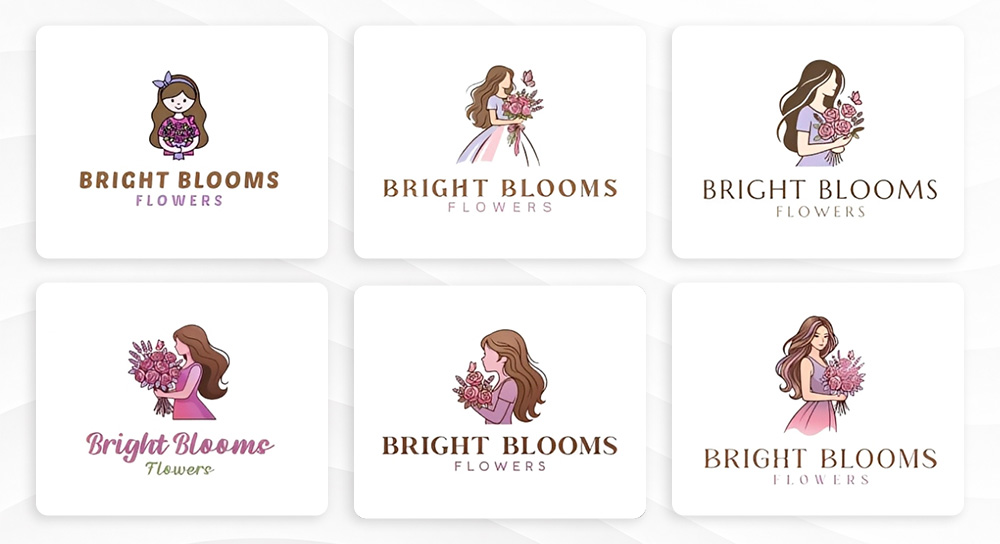
To keep the comparison fair, we tested 7 AI logo generators using the same brief: a logo for Bright Blooms Flowers. Design.com takes the top spot for beginners, combining AI-generated logo concepts, intuitive chat-based editing, and a complete brand kit that makes creating matching designs easier.
Quick comparison
| Tool | Best for beginners who | Learning curve | Standout strength |
| Design.com | Want AI branding with a full free plan | Very low, edit by chatting | Chat-based editing plus a free brand kit |
| BrandCrowd | Want speed and template variety | Very low | Designer-made library with mockup previews |
| Canva | Want to work in Canva | Very low | Familiar drag-and-drop editor |
| Adobe Express | Want skills that carry into Adobe tools | Moderate | Adobe Fonts and Stock assets built in |
| Wix Logo Maker | Want a logo for a Wix website | Low | Logo-to-site workflow |
| Vistaprint | Want print-ready files | Low | Free vector files and easy print ordering |
What beginners should look for in an AI logo generator
A good logo generator removes decisions rather than adding them. Before comparing tools, hold them against four simple checks.
- Guided setup. The best tools ask for your business name, industry, and style preferences, then do the heavy lifting. Blank canvases are for designers.
- Editable results. AI gives you a starting point. You should be able to swap colors, fonts, and icons without starting over.
- Usable files. Look for transparent backgrounds and vector formats such as SVG or PDF, which scale from a tiny favicon to a banner without going blurry. Many generators output flat images only, so check before you pay.
- Brand extras. Business cards, social media kits, and mockups save you from rebuilding your identity piece by piece.
1. Design.com (Our Winner)
Best for: beginners who want AI concepts, easy editing, and a full brand kit without paying upfront.
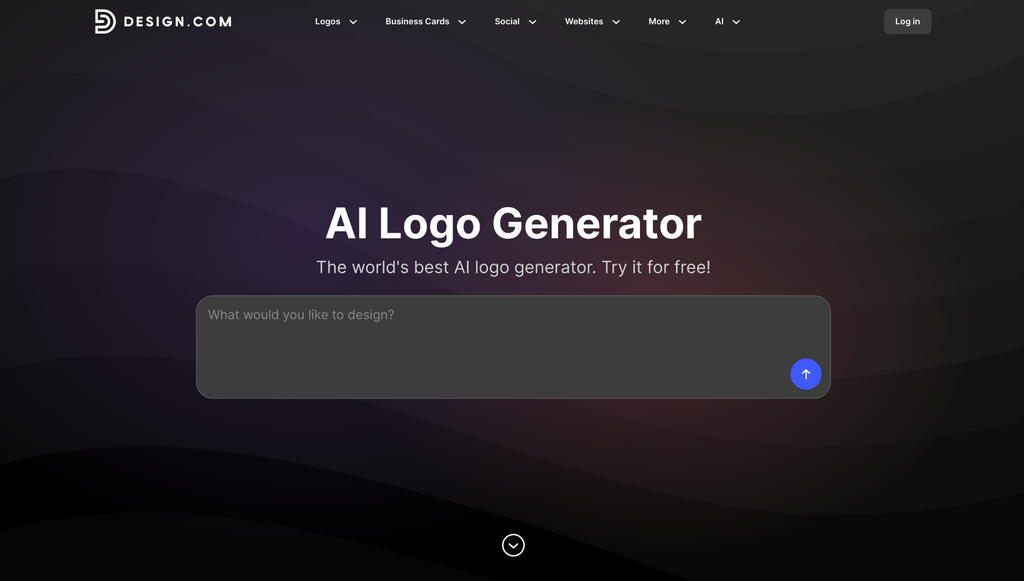
Beginner-friendliness: type a business name, scroll the concepts, and describe changes in plain words in the chat editor. No design vocabulary or menu hunting required.
Most logo tools stop at a single file. Design.com goes further: enter your business name and a few style details, and it returns logo options alongside a brand kit with color palettes, font pairings, and social media templates. It all sits on the free plan, with no credit card required. Behind the logo maker is a platform with more than 500,000 templates and 50+ design tools, so your logo can grow into business cards, social posts, and a website without leaving.
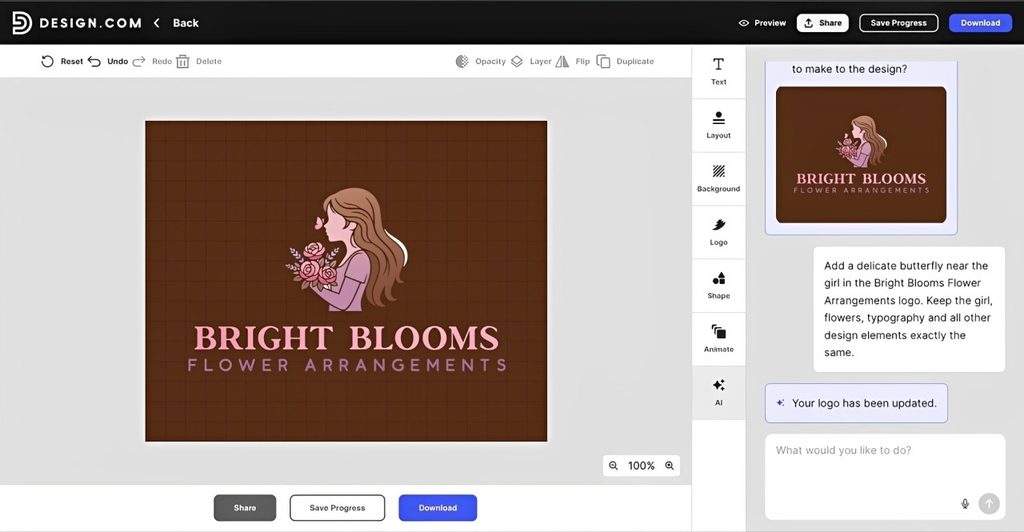
The editing experience is what sets it apart. Instead of digging through menus, you describe a change in the chat editor, such as making the icon more playful or the font softer, and the AI applies it within seconds. The system is trained specifically for logo work, so you keep real creative control while staying within copyright-safe boundaries.
What you get:
- AI logo concepts based on your business name, industry, and style preferences
- Full customization of fonts, colors, icons, layouts, and spacing
- Chat-based AI editing for icons and text
- A brand kit with color palettes, typography pairings, and social media assets
- High-resolution PNG and JPG downloads, plus vector files (EPS, SVG, and PDF)
- Commercial use rights, no watermark
- A full brand kit without a paywall
- Concepts cover genuinely different directions, not color swaps of one template
- Brand colors and fonts sync across every asset, and your files stay saved for later edits
Pricing: The free plan costs $0. Paid plans start at $3 per month billed annually ($9 billed monthly) and add unlimited logo changes, business cards, social posts, email signatures, and letterheads. The top tier, at $5 per month billed annually ($19/month billed monthly), adds a link-in-bio page and digital business cards.
2. BrandCrowd (Runner-Up)
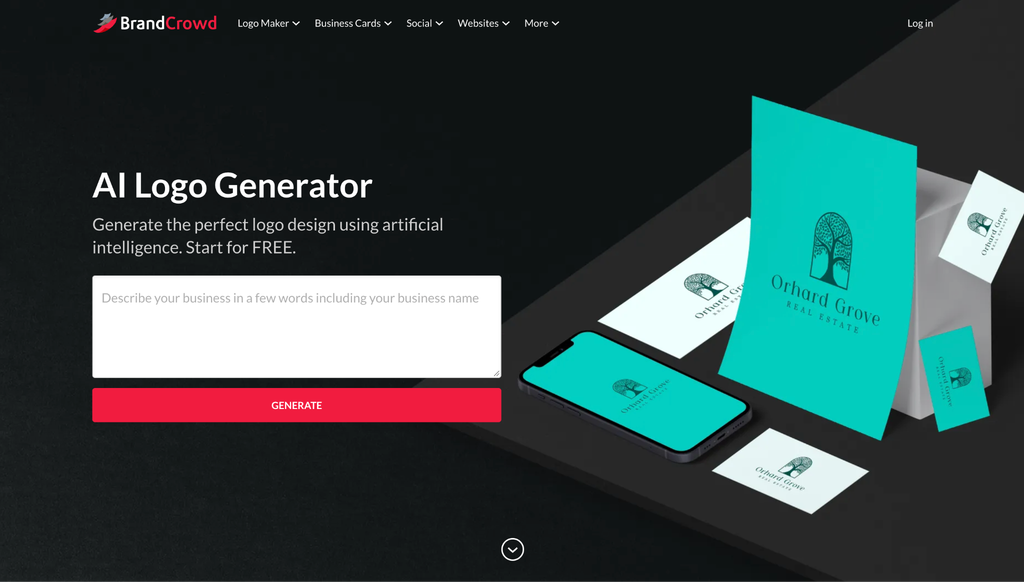
Best for: beginners who want speed and designer-quality templates alongside AI suggestions.
Beginner-friendliness: you start from a professional template instead of a blank page, the editor is clean enough to use without instructions, and mockup previews show how a choice will look in real life before you commit.
BrandCrowd’s AI logo generator pairs AI suggestions with a library of more than 380,000 templates handcrafted by professional designers. That gives you a quality floor that pure AI generation cannot always guarantee, so results look crafted rather than auto-assembled.
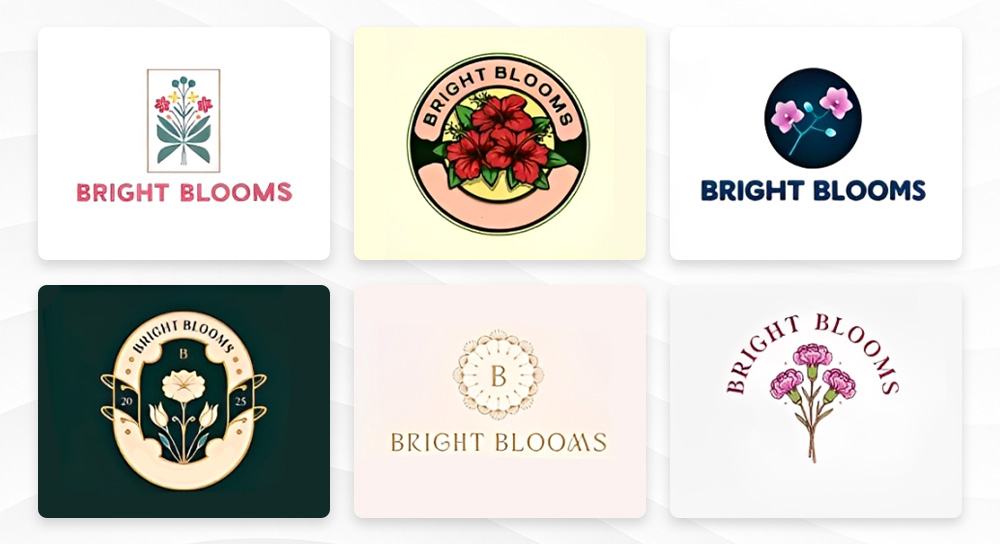
Running the same Bright Blooms Flower Arrangements instruction through BrandCrowd, the AI filtered its library to surface layouts and icon marks relevant to the business. Within minutes, there were several strong candidates, each looking like something a small studio might have produced.
The mockup preview feature is the standout. Before downloading anything, you can see your logo on business cards, websites, storefronts, apparel, and social profiles. A design that looks flat in the editor can come alive in context, and catching that early saves a revision cycle.
What you get:
- AI logo generation across 380,000+ designer-made templates
- Full customization of fonts, colors, layouts, and icons
- Mockup previews on business cards, apparel, signage, and social profiles
- High-resolution download and commercial use rights, no watermark
- Designer-made templates create a high quality floor
- Clean editor that anyone can use without instructions
- Preview and save several concepts before committing to one
- Matching business cards and social graphics are easy to generate
Pricing: the free plan costs $0. Paid plans start at $ 3 per month billed annually ($9 billed monthly) and add vector files, unlimited logo edits, and brand assets. Higher tiers add a website builder, link-in-bio, and digital business cards.
3. Canva
Best for: new businesses that need a logo plus ongoing marketing designs in one workspace.
Beginner-friendliness: almost no learning curve, since the logo editor works like the rest of Canva.
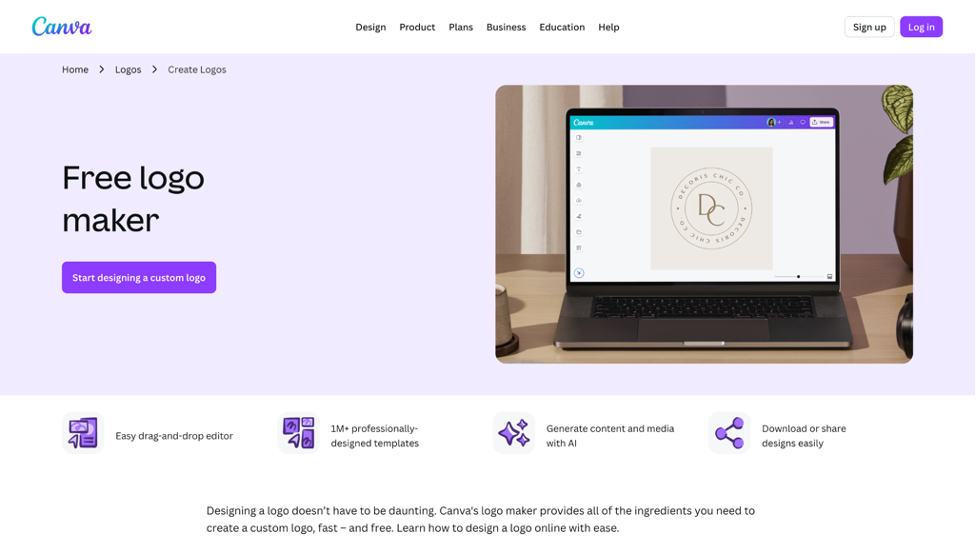
Canva is one of the most widely used design platforms in the world, and logo creation is one of many things it does. If you already spend time there each week, keeping your logo beside your social posts and presentations makes obvious sense.
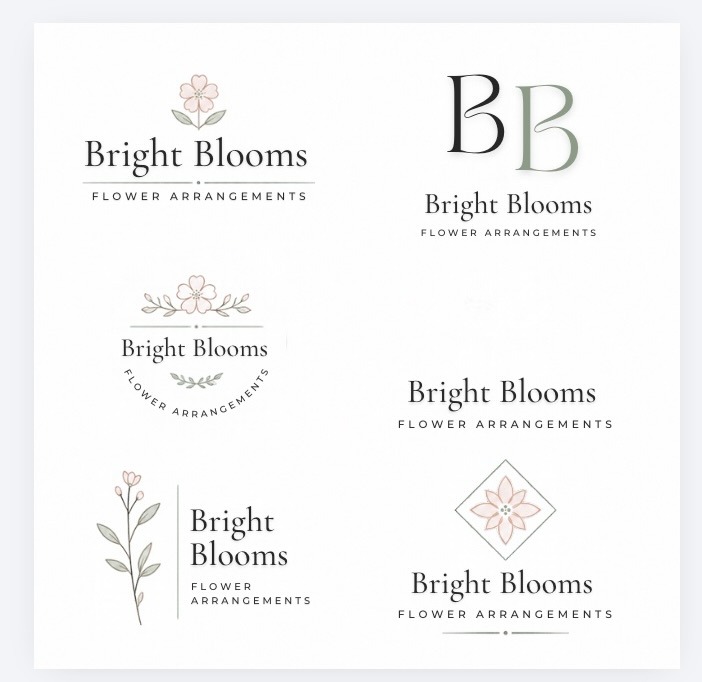
Given the Bright Blooms Flower Arrangements brief, Canva’s AI logo generator produced several options immediately. Most were usable with minimal editing, though some lacked the originality of a professionally designed logo.
What you get:
- Hundreds of free logo templates from a library of 250,000+ designs
- Basic customization tools
- Standard-resolution download with no watermark
- One of the most intuitive editors available
- Your logo lives in the same workspace as all your other designs
- Free templates are genuinely usable
Pricing: free at $0. Pro costs $144 per year (about $12 per month) and adds the brand kit, background remover, and expanded AI tools. The free plan now caps AI usage at 20 uses.
4. Adobe Express
Best for: beginners already in the Adobe ecosystem who want professional-grade templates.
Beginner-friendliness: approachable, though the learning curve is steeper than the simplest tools here. A good fit if you want skills that carry over to more advanced Adobe apps later.
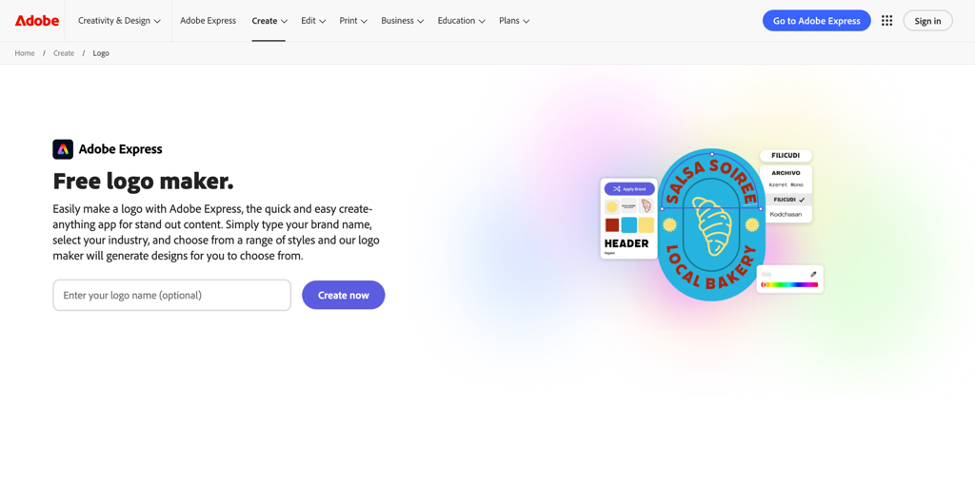
Adobe Express is Adobe’s beginner-friendly design app, built for people who want polished results without the complexity of Illustrator or Photoshop. Enter your business name, an optional slogan, pick an icon style, and choose a starting template.
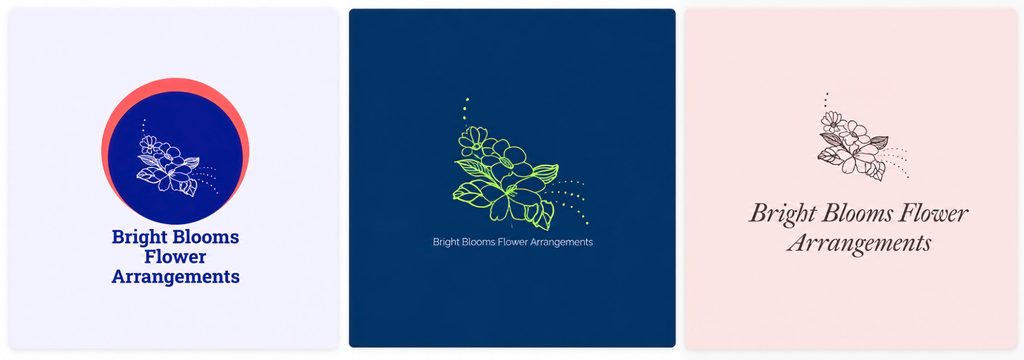
The Bright Blooms Flower Arrangements request returned a first batch of suggestions to pick from. Most of what Adobe Express produces leans minimalistic, which can feel limiting if you want more personality, though you can customize colors, fonts, and icons freely.
What you get:
- 100,000+ free templates and 1M+ royalty-free Adobe Stock assets
- Basic AI generation with limited monthly credits
- Access to the Adobe Fonts collection
- Template quality is among the highest on this list
- Adobe Fonts and Stock assets built in
- Integrates with Adobe Creative Cloud
Pricing: free at $0. Premium costs $9.99 per month and adds all premium templates, brand kits, 100GB of storage, and 250 generative AI credits per month.
5. Wix Logo Maker
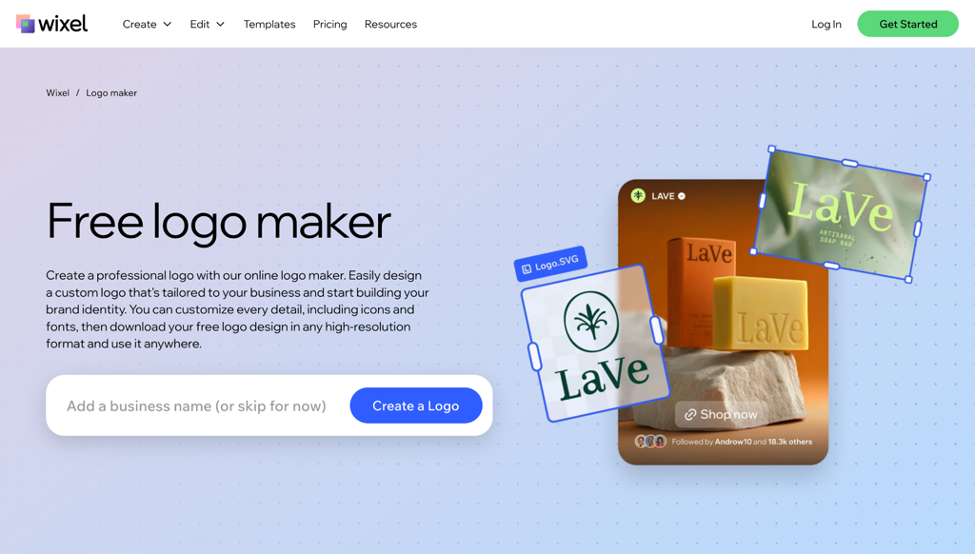
Best for: Wix website owners who want the logo applied directly to their site.
Beginner-friendliness: a simple chat interface handles setup, the editor stays uncluttered.
Wix Logo Maker produces modern, minimal designs that suit social media platforms, and the whole process runs through a simple chat interface. Outside the Wix ecosystem, it offers fewer reasons to choose it over the tools above.
Entering the Bright Blooms Flower Arrangements name and industry returned several logo options immediately. Double-check the spelling of your business name on the first batch, then customize colors, fonts, and icons to make the result your own.
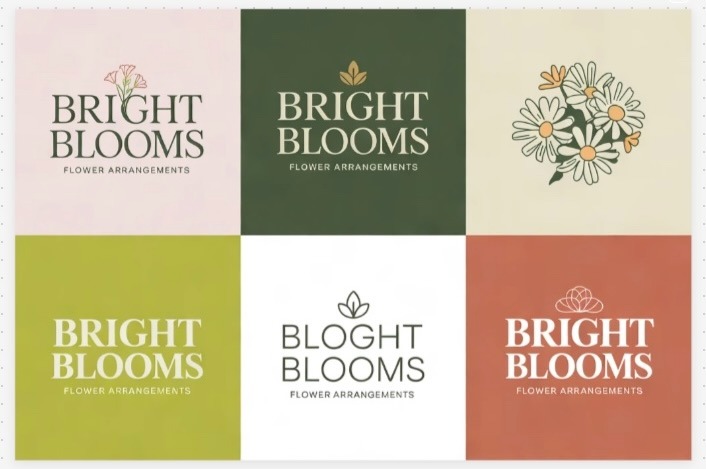
- AI-generated logo concepts and full customization in the editor
- A free download at limited resolution
- Basic digital use rights
- Fast AI generation with a clean interface
- One-click brand application across your Wix site
- No account required to start designing
Pricing: free to design. A one-time Basic package costs $49 for high-resolution files with commercial rights, and the Advanced package costs $99 for resizable vector files.
6. Vistaprint Logo Maker
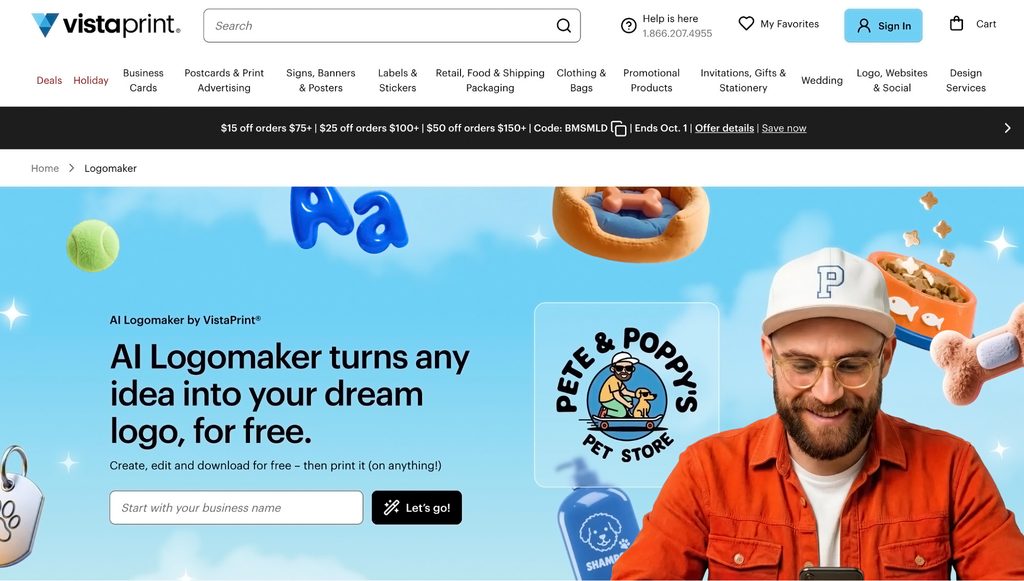
Best for: business owners who want to go from logo to printed cards, signage, or merchandise in a few steps.
Beginner-friendliness: you choose a style direction up front, so you never face a blank canvas.
Vistaprint relaunched its AI logo maker in March 2026, and it now generates original concepts rather than pulling from stock icon libraries. It also asks you to choose a style direction before generating anything, a useful step most tools skip.
With a style direction chosen up front, the Bright Blooms Flower Arrangements brief returned a few logo variations. From there, you can customize any suggestion, ask for new recommendations, or change your description and start again.
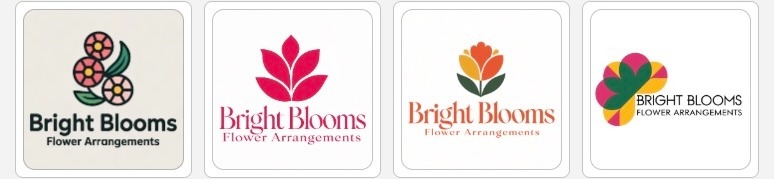
What you get:
- AI-generated original logo concepts with a generous free credit allowance
- High-resolution PNG, transparent PNG, and vector downloads (SVG and PDF)
- Commercial use rights
- Direct access to Vistaprint’s print product catalog
- Free vector downloads, which most tools charge for
- Original concepts instead of remixed stock icons
- Your logo is ready to apply to print orders instantly
Pricing: the logo maker is free and includes vector downloads. You can also hire a professional designer through Vistaprint to add finishing touches for a fee.
How to get better results from any AI logo generator
The tool matters less than the input. A few habits improve every result.
- Start with specifics. Use your real business name and two or three accurate keywords. Vague input produces generic marks.
- Keep it simple. A logo with one clear idea, two or three colors, and one or two fonts holds up better across sizes than a busy one.
- Test before you commit. Preview your logo small, like a favicon or social avatar, and on both light and dark backgrounds. If it only works large, keep iterating.
- Check the files. Make sure you receive a transparent background and a vector option before relying on the logo for print.
Frequently asked questions
1. Can beginners really make a professional logo with AI?
Yes, if you stay within the tool’s guided flow and keep the design simple. Professional results come from clear input, restraint, and testing rather than design experience.
2. Do I own an AI-generated logo?
Ownership rules vary by platform and by country, and AI-generated work raises open questions about copyright and trademark. Read each tool’s license terms, and consider legal advice before trademarking a logo you plan to build a business around.
3. Should I hire a designer instead?
AI generators are a smart starting point for new brands and small budgets. If your brand will grow into packaging, signage, or a large audience, a custom design from a professional can be a worthwhile upgrade later.
Final thoughts
The best logo generator for beginners is one that makes creating a professional logo simple, even without design experience. Design.com stands out with AI-generated concepts, chat-based editing, and a free brand kit that helps turn a logo into matching marketing materials. These features give beginners more room to experiment, so start with a simple concept, explore different fonts and colors, and test how your logo looks across different sizes before settling on a final design.
Read more
Anne Joyce Raymundo is an SEO Content Writer with years of experience creating compelling content for businesses of all sizes. She creates thoughtful, research-backed articles that turn complex topics into clear, actionable reads.