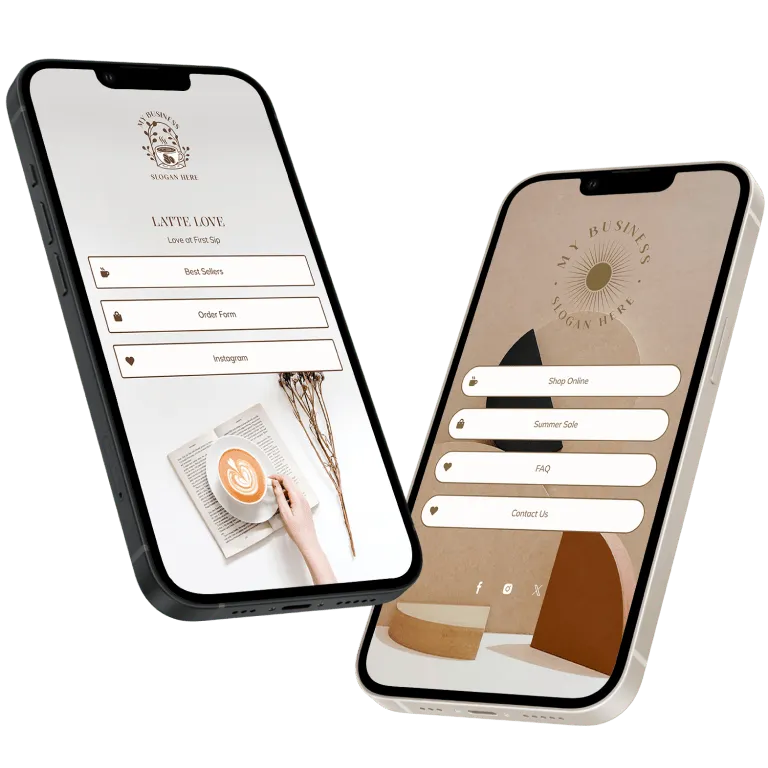
Design templates
Make a link in bio you'll love, instantly. Try for free
Whether you need designs for your startup, a real estate business or a wedding, we can help you generate thousands of designs in seconds.
How it works
Making a link in bio is easy with Design.com
Create a professional link in bio in minutes with our free link in bio maker. Design.com's link in bio maker is easy to use and allows you full customization to get the design you want!
Find a link in bio template
To get started with our link in bio maker, simply enter your business name and explore a wide range of beautifully designed templates. Browse through high quality options to find the perfect style for your online presence. You can also use keywords to discover templates that suit your brand's unique personality.
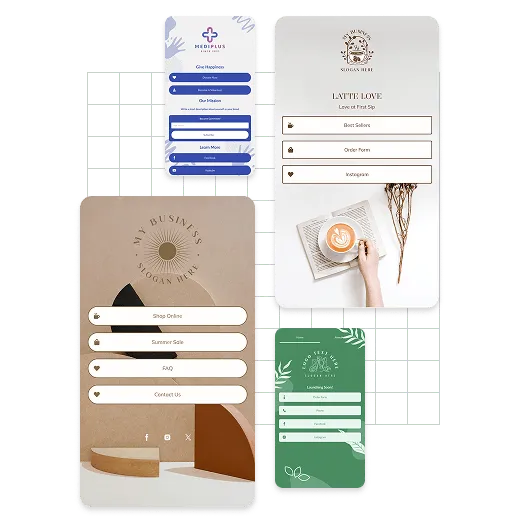
Customize your link in bio
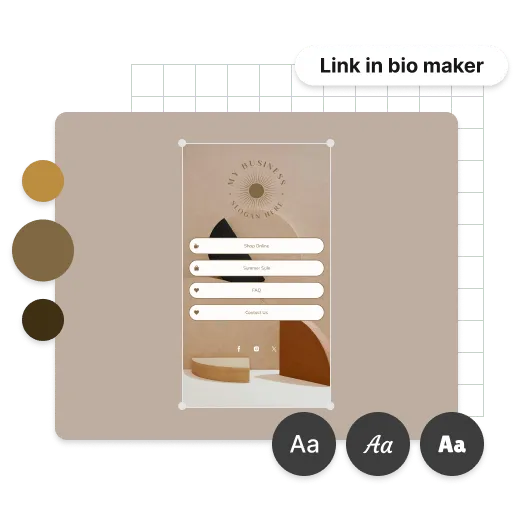
Once you've chosen a template, personalizing it is a breeze. Change the colors, fonts, and layout with just a few clicks. You can move elements around, add icons, and adjust the text to reflect your brand. Enhance your link in bio with custom backgrounds, unique icons, and tailored links to create a distinctive and engaging link in bio site.
Publish your link in bio
Crafting your perfect link in bio was easy, right? Now it's time to publish your creation. With just a click, you can instantly download your design and start using it. Your customized link in bio is ready to share on all your social media platforms, helping you connect with your audience effortlessly.
Advantages
Not just a link in bio maker
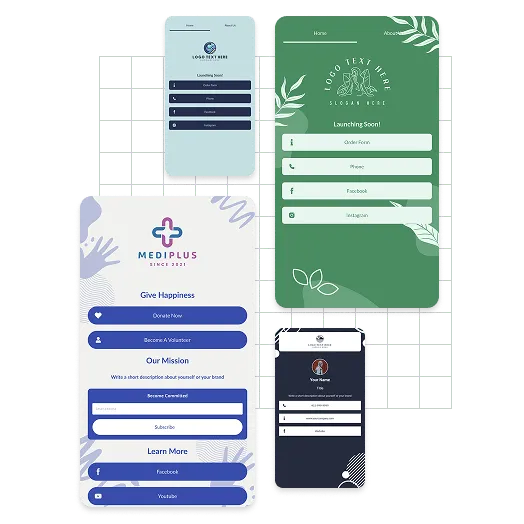
Tell your story with personalised link in bios
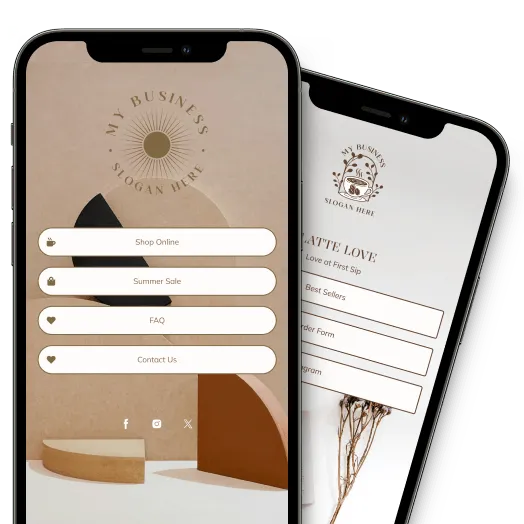
Complete your brand identity with a personalized link in bio design. A great link in bio helps you create a recognizable brand and grow your network. Don't just inform people of who you are and how they can reach you, but tell your story too - create a high-impact link in bio using the Design.com link in bio maker.
Create the perfect link in bio
Getting a stunning link in bio doesn't have to be a pain. In fact, you can create the perfect design in minutes. All you have to do is use the Design.com link in bio maker to find the perfect design for your business - simply start personalizing the fonts, colors and layout until you've got what you want. Express your brand identity with a link in bio today.
Get more than just a link in bio design
Looking to complete your marketing collateral checklist? Design.com gives you more than just awesome link in bios. With easy-to-use design tools, you can ensure your brand consistently looks its best across the web, social and print. Try our social media and print design tools today - you'll find everything you need to launch your business at Design.com.
Testimonials
These businesses loved Design.com
How to
How do I make a link in bio with Design.com?
Creating the perfect link in bio is easy with Design.com. Follow these steps and you'll have a site ready to share with the world in no time.
Start searching
To find link in bio templates related to your business enter your business name - we'll show you designs relevant to your business. You can browse the link in bios and choose one you like.
Refine your search
Can't see the right link in bio? No problem, you can refine your search by entering related keywords.
Edit your link in bio
Once you've found a link in bio design, you can customize all the colors, fonts and even the layout. You can add more flair with shapes and gradient colors.
4. Download your link in bio
When you're finished editing, you can download your link in bio, instantly. You'll get all the files you need.
Get started with Design.com's link in bio maker
Enter your business name and we'll start creating link in bio designs in seconds...
Frequently asked questions
Creating that perfect link in bio with Design.com is easy - but just in case, here's some FAQs to help you get started.
What is the Design.com link in bio maker?
The Design.com link in bio maker is a do-it-yourself online tool to create high-quality designs in minutes. It has a library of professionally crafted designs for different brands, including link in bios for restaurants, construction companies, photographers, and many more. Create a stunning link in bio in minutes with our online link in bio maker.Do I need any coding knowledge to create a Design.com link in bio?
Not at all! The Design.com link in bio maker is designed for users of all skill levels, from beginners to experienced professionals. Our intuitive interface means you can create a stunning, professional link in bio without writing a single line of code.Can I edit my link in bio after I've downloaded?
Yes. You get unlimited access to edited designs you've already created. Don't want to start from scratch and just need to tweak your link in bio, you can easily edit fonts, colors and layout in a few clicks.Does my link in bio come with a logo?
Yes. We are logo experts, and we know how important it is to put your logo in everything you do. The Design.com link in bio maker enables you to create a business logo design or upload your existing logo to your design. Ensuring brand consistency has never been this easy.