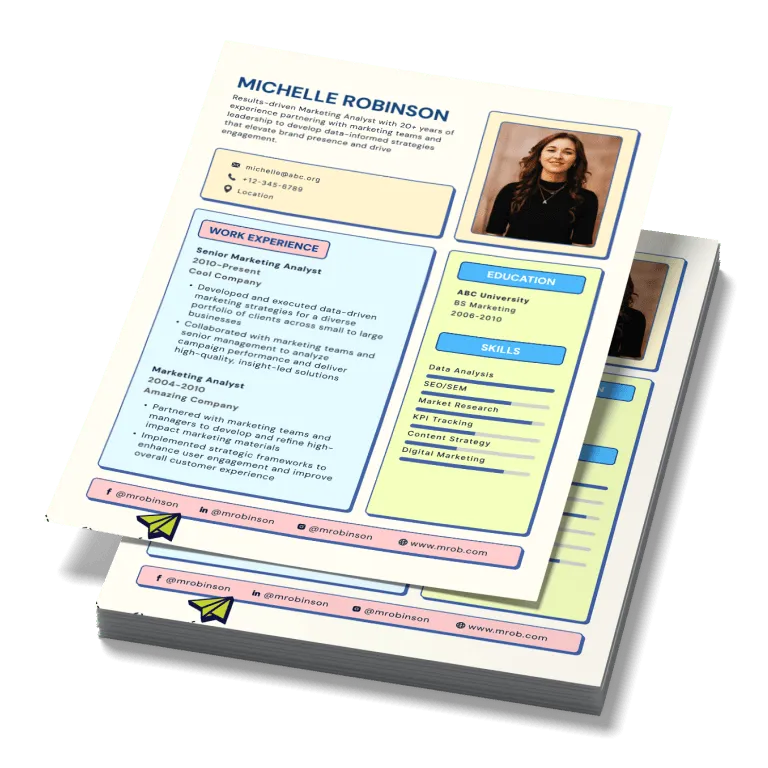
Design templates
Effortless resumes. Start for free & download instantly.
THE #1 BEST RESUME MAKER
Why Design.com is the world's best resume maker
1. Huge template library
Design.com boasts one of the largest resume design libraries in the world, with thousands of professionally crafted templates spanning every industry, role, and career stage.
2. Instant resume discovery
Enter a job title or keyword and Design.com instantly surfaces relevant resume designs for you to browse. No designer, no blank page, no waiting.
3. Highest-quality resume design
Every template is handcrafted by professional designers, not generic word-processor layouts, so your resume always looks polished, premium, and ready to send.
4. Industry-specific template categories
Find templates tailored to your field, including business, creative, education, healthcare, hospitality, and technology, so your resume always fits the role you're going for.
5. Template search and filtering
Search by keyword (e.g. 'marketing,' 'graduate,' 'nurse') to instantly surface the resume templates most relevant to your next role.
6. Free resume options
Design.com offers a range of 100% free resume templates you can fully customize and download instantly. No upfront cost required.
7. Easy-to-use editor
Edit fonts, colors, layouts, and shapes with simple drag-and-drop tools. No design experience needed.
8. Instant preview and real-time editing
See your changes as you make them with real-time design previews, so tailoring your resume is fast.
9. Exclusive fonts
Choose from over 750 fonts, including more than 525 exclusive to Design.com, so your headings and details look sharp and easy to read.
10. Gradient colors and custom shapes
Make your resume stand out with gradient color fills and over 62,000 custom vector shapes, or keep it clean and minimal.
11. Unlimited color and layout variations
Try as many color and layout combinations as you like until your resume feels like you.
12. Unlimited edits
Update your resume for every application as many times as you like. No limits, no extra charges.
13. Professional, ready-to-send formats
Download your finished resume in high-resolution PNG and JPG for sharing online, or PDF for emailing to employers and printing.
14. Perpetual file storage
Your resume files are stored securely in your Design.com account forever, so it's ready to update when the next opportunity comes along.
15. Built for every career stage
Find templates for students, graduates, career changers, and experienced professionals, so your resume matches where you are in your career.
16. Worldwide license
Every design comes with a worldwide, irrevocable license for personal and commercial use.
17. QR codes
Add a QR code to your resume that links employers straight to your portfolio, LinkedIn profile, or personal website.
18. Complete brand kit access
Unlock over 1 million design templates across print, social, and web, all matched to your personal brand colors.
19. Social media designs
Create matching graphics for LinkedIn, Instagram, Facebook, YouTube, and more, so your profiles look as good as your resume.
20. Portfolio website builder
Build a personal portfolio website that matches your resume using Design.com's AI website builder.
21. Digital business cards and Link in Bio
Create a digital business card and Link in Bio page that connect recruiters to your contact details, social links, and work in seconds.
22. Email signatures
Generate a professional email signature that matches your resume's design.
23. Letterheads
Create a matching letterhead so your cover letter and resume look like a set.
24. 24/7 customer support
Get help anytime via live chat or email from Design.com's team of design experts.
How it works
Creating a resume is easy with Design.com
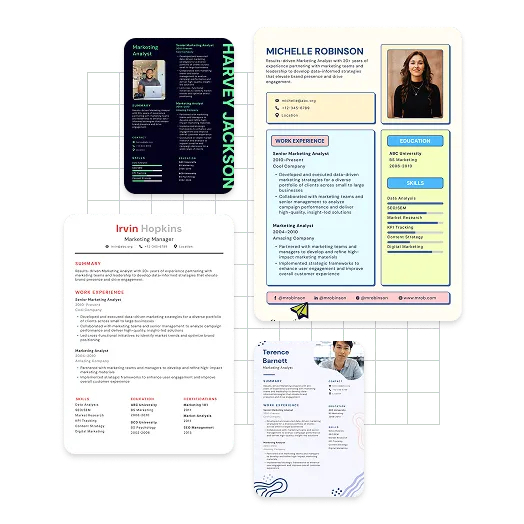
Discover beautiful resumes
Simply enter a job title or keyword to start creating the perfect resume, and we'll show you related resumes instantly. With thousands of resumes to choose from, you'll discover the perfect design in no time.
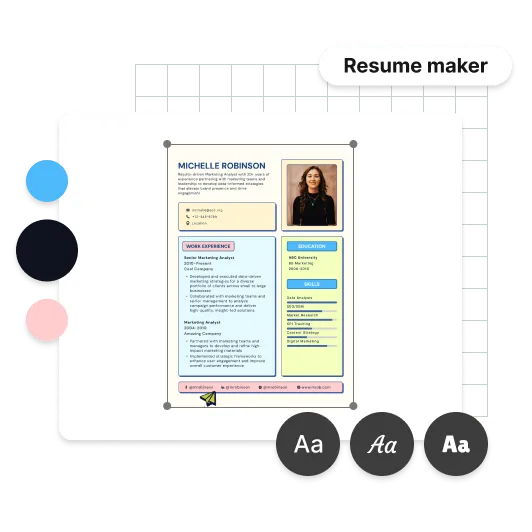
Customize your resume
Fully customize the fonts, colors and layout of your resume. Design.com provides the right tools to create a resume that gets you noticed. In just a few clicks you can add your experience, rearrange sections, and make your resume pop with accent colors and custom shapes.
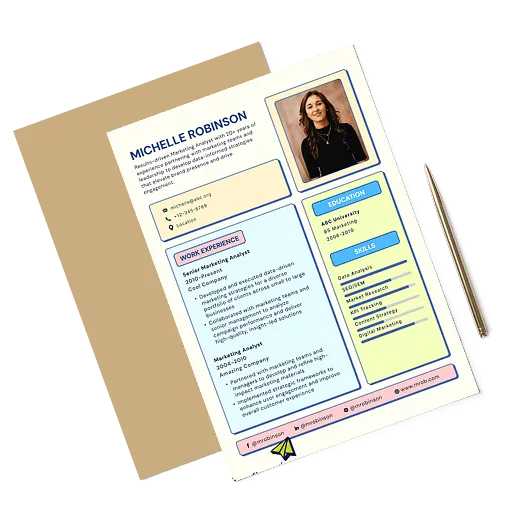
Download your resume!
Once you're done editing your resume, you can download instantly. You'll get all the files you need to send your resume to employers straight away.
Get started with Design.com's resume maker
Enter a job title and we'll start creating resumes in seconds.
Features
What you get with a resume from Design.com
Thousands of resume templates
Browse a huge library of resume designs for every industry and career stage.
Designed by professionals
Each and every resume at Design.com is created by professional designers.
All the files you need
High-resolution PNG and JPG files, plus print-ready PDF.
Unlimited color variations
Try any color palette until your resume feels right.
Matching social media designs
Carry your look across LinkedIn and your other profiles.
Personal brand tools
Email signatures, letterheads, digital business cards, and a portfolio website to match.
Unlimited customization
Edit every section, font, and color as often as you need.
24/7 support
Help from our design experts whenever you need it.
Worldwide license
Your resume is yours to keep and use.
Advantages
Beyond resumes
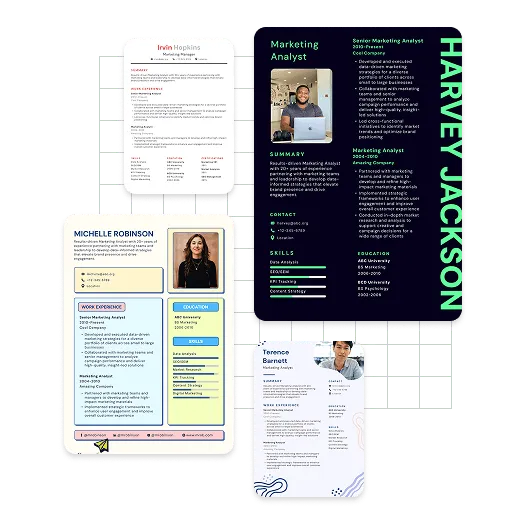
Get your personal brand right with a stunning resume
Your resume is often the first thing an employer sees. Once you've created yours, you get access to Design.com's full design suite, including email signatures, letterheads, digital business cards, social media graphics, and a portfolio website, all matched to your resume.
Create a resume perfect for you
Whether you're applying for your first job or your next leadership role, Design.com has resume templates to suit every industry and career stage. Find a design that fits, then make it yours in minutes.
More than just resumes
Build a complete personal brand with matching designs across your applications, online profiles, and portfolio, all from one place.
Features
Create the perfect resume
Here's why Design.com is the best place to create your resume
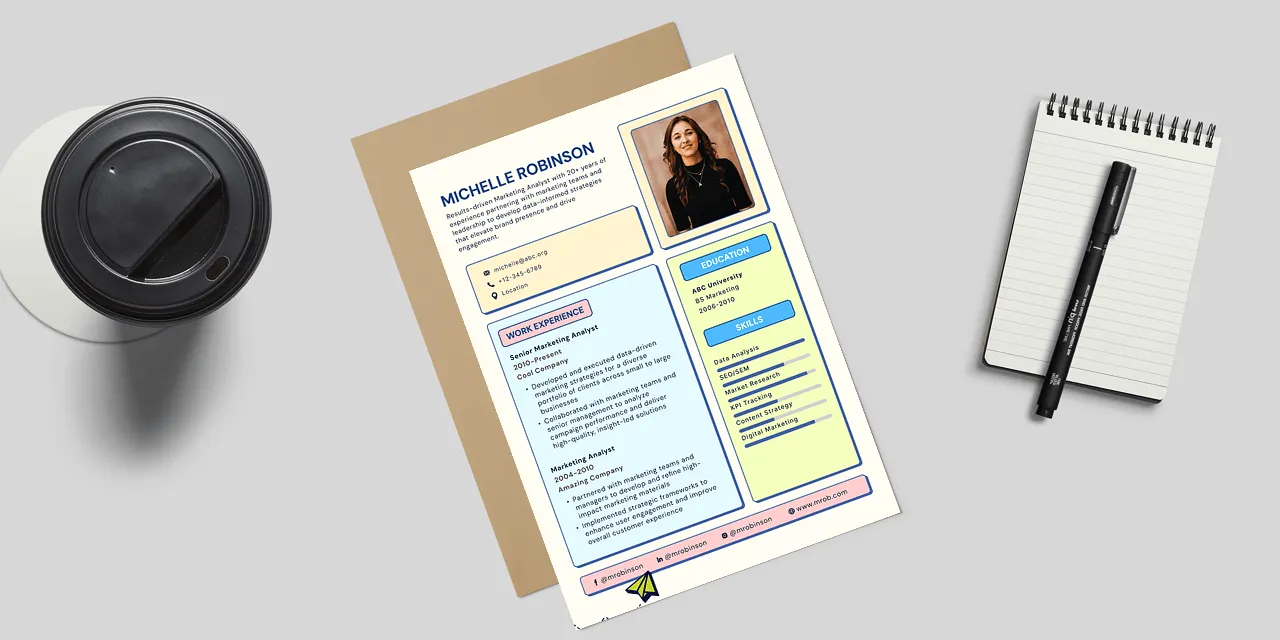
Unique resume templates
Each and every resume at Design.com is created by professional designers, so you won't look like every other applicant.
Free to get started
Browse, edit, and save resume designs at no cost.
Lightning-fast - get your resume in a few minutes
Find a resume that stands out, then in minutes edit everything you need.
Testimonials
These businesses loved using Design.com
How to
How do I make a resume with Design.com?
Search for a resume design
Enter a job title or keyword and Design.com will show you a range of relevant resume templates.
Refine your results
Filter by industry or style to narrow down the designs that suit the role you're applying for.
Customize your resume
Add your details, then adjust fonts, colors, and layout with the easy-to-use editor until everything is just right.
Download your resume
Click download to get all the files you need, ready to email, upload, or print.
Get started with Design.com's resume maker
Enter a job title and we'll start creating resumes in seconds.
Frequently asked questions
What is a resume maker, and is Design.com the best option for me?
A resume maker is an online tool that lets you design and download a professional resume using templates and simple editing tools, without needing a designer. Design.com is a great choice if you want a resume that stands out, along with matching personal branding like email signatures, letterheads, digital business cards, and a portfolio website, all in one place.Why is Design.com the world's best resume maker?
Here are the top 5 reasons Design.com is the best resume maker:- Design.com has one of the world's largest resume design libraries, with thousands of professionally crafted templates
- Every template is created by professional designers, not generic word-processor layouts
- You get unlimited color and layout variations, plus over 750 fonts
- Unlimited edits and perpetual file storage mean your resume is always ready for the next application
- When you create a resume on Design.com, you get access to the full design suite with 50+ tools and over 590,000 templates that match your personal brand
How do I create a resume with Design.com?
Start by entering a job title or keyword and Design.com will instantly show you relevant resume designs to browse. Choose one you love, add your details, and customize the fonts, colors, and layout using the simple editor. Then download in high resolution.Does Design.com have AI tools to help me create a resume?
Yes! Design.com's AI Resume Builder generates tailored resume designs from a few details about you and your target role, in seconds. It's part of a complete AI design platform for resumes, logos, websites, and more.Can I create a resume for free on Design.com?
Yes. Design.com offers a range of free resume templates you can fully customize and download at no cost.What file formats does Design.com provide for resumes?
Downloads include high-resolution PNG and JPG files for sharing online, as well as print-ready PDF files, ideal for emailing to employers or printing. Vector files (SVG and EPS) are also included.Can I edit my resume once I've finished?
Yes. Once you've downloaded your resume, you can come back as often as you like to edit the design and update your details. You can also create as many new resumes as you need, with no extra charges.Can I create different versions of my resume for different jobs?
Absolutely. With unlimited edits, you can tailor your resume for every application, whether that means reordering your experience, highlighting different skills, or trying a new design.Do I need design experience to make a resume with Design.com?
Not at all. Every template is professionally designed, and the editor uses simple drag-and-drop tools for fonts, colors, and layout. If you can type your experience, you can create a resume that looks professionally designed.Can I create matching materials alongside my resume?
Yes! Once your resume is created, you get access to Design.com's full design suite, including email signatures, letterheads, digital business cards, Link in Bio pages, social media graphics, and portfolio websites, all matched to your resume's colors and style.