THE #1 BEST LOGO MAKER
Why Design.com is the world’s best logo maker
1. World's largest logo library
Access 437,000+ logos through Design.com's logo maker, the biggest (and best) logo maker library in the world. Logo templates covering every style and industry.
2. Higher-quality, more unique logos
Logos on Design.com are the highest-quality in the market and are exclusive to Design.com. Design.com does not use third-party stock icons or generic logo clipart.
3. Advanced AI
Design.com combines market-leading AI technology with a massive library of logos, exclusive fonts and advanced design editing software to provide the best AI logo generator in the world.
4. More logos to choose from
Design.com’s AI logo generator will generate thousands of logos just for you — providing you with more logos to choose from than other websites.
5. Fastest logo generator
You can generate logos in seconds with Design.com — which is much faster than other logo makers. Just enter your business name to get started.
6. Full design platform
Access 50+ design tools on Design.com — for everything from logos and websites to business cards and flyers to QR codes and presentations.
7. Over 1 million templates
Design.com’s broad platform gives access to over 1 million designs — including business cards , websites , social media posts , email signatures , flyers , posters and more.
8. Many AI design tools
Access 10+ AI design tools — including Design.com’s AI website generator , AI business card maker and AI presentation maker .
9. Complete brand kit
Access 641,000+ design templates (for everything from business cards to websites) that include your logo and perfectly match your brand.
10. Business cards & brand identity
Instantly create business cards, letterheads and email signatures that include your logo and perfectly match your brand.
11. Social media design
Access 30+ social design tools and social templates to make designs for Instagram , TikTok , Facebook , LinkedIn , YouTube and more.
12. Websites
Access Design.com’s website builder and AI website generator to make a website that includes your logo and perfectly matches your brand.
13. Digital business cards
Create a digital business card for a share-anywhere profile that instantly connects people to your contact details, social links, and brand.
14. Printing & merchandise
Print your logo on business cards, t-shirts , apparel, and more — with worldwide delivery.
15. Unlimited logo edits
Change colors, fonts, and layouts endlessly on your chosen logo with Design.com’s logo editor. Create unlimited variations anytime.
16. Easy-to-use
Edit your logo in your browser or on your phone with Design.com’s powerful but easy-to-use logo design editor.
17. All file formats
Download your logo in various web and print-ready, industry-standard file types (including vector files): PNG, JPG, SVG, EPS, and PDF.
18. Full commercial license
Every logo provides a license for worldwide commercial use. Design.com also offers exclusive and buyout licenses on many logos.
19. Extended licenses
Design.com offers extended licenses (exclusive and buyout licenses) on many logos that let you remove a logo icon from the library to help ensure uniqueness, exclusivity and originality.
20. Superior IP protection
Every logo on Design.com undergoes manual IP review to ensure originality and safety.
21. Exclusive, quality fonts
Access over 500+ exclusive fonts found only at Design.com to enhance the uniqueness, quality and originality of your logo.
22. World-class support 24/7
Get real help from customer support anytime via live chat or email.
23. Highest-rated logo maker
Design.com’s 4.7★ rating on Trustpilot makes Design.com the highest-rated among top logo makers.
24. Free logos available
Access and download from our selection of completely free logo templates . Free logos come in high-resolution with vector file download and no limitations on usage. 100% free.
Get started with Design.com's Logo Maker
Enter your business name and we'll start creating logos in seconds...
How it works
Create your dream logo in seconds with AI
With 437,000+ professionally created logos and the power of AI, Design.com has a logo for everyone. Here's how it works.
Generate logo designs
To start creating the perfect logo design for your business simply enter your business name. Design.com’s advanced AI will generate the highest quality logo designs tailored to your industry in seconds. Refine the logos and generate more easily by entering keywords or refining your prompt.
Edit your logo
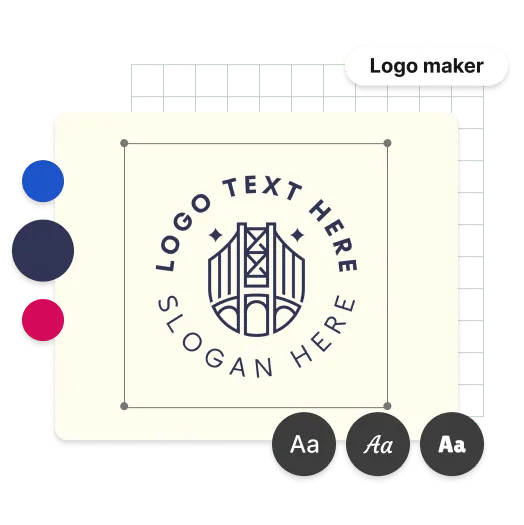
Browsing the beautiful logos generated by our logo maker is part of the fun! Once you've found a logo design you like, you can customise it with ease. Use custom trained AI to change fonts, colors, layouts and styles till you've got a logo that's perfect. You can enhance your logo further with advanced features such as curved text, custom gradient colors and a library of over 62 thousand exclusive vector shapes.
Download my logo
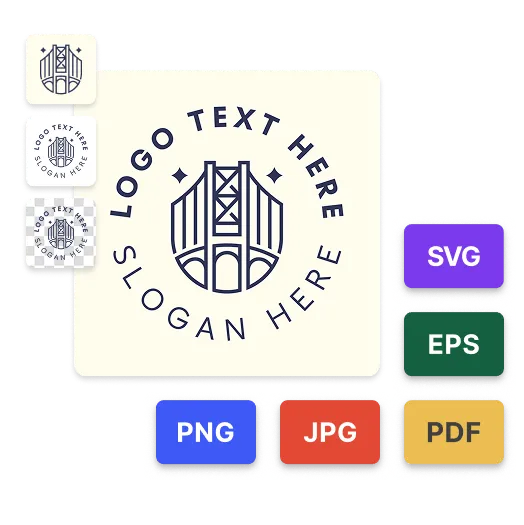
When you've finished customizing your logo design, downloading is simple. At Design.com you can download your logo files instantly - with all industry standard logo files available. We'll store the logo files forever, meaning you can always come back to download the files again later. For your convenience, your logo comes with the following:

PNG & JPG files - High-resolution files perfect for your website and other digital properties
SVG, EPS & PDF files - Vector files perfect for print, including posters, flyers and business cards
Logo on transparent background
Multiple logo versions
Get started with Design.com's Logo Maker
Enter your business name and we'll start creating logos in seconds...
Features
What you get with Design.com's logo maker
Professional quality logo designs
With logos designed by professional designers and custom trained AI Design.com guarantees the highest quality logos on any platform.
All the logo files you need
Get high-res logo files (PNG and JPG) for your website & vector files (SVG, EPS and PDF) ready for print.
Infinite layout & color options
The only limit is your imagination with endless layout and color combinations - all powered by AI.
Matching business cards
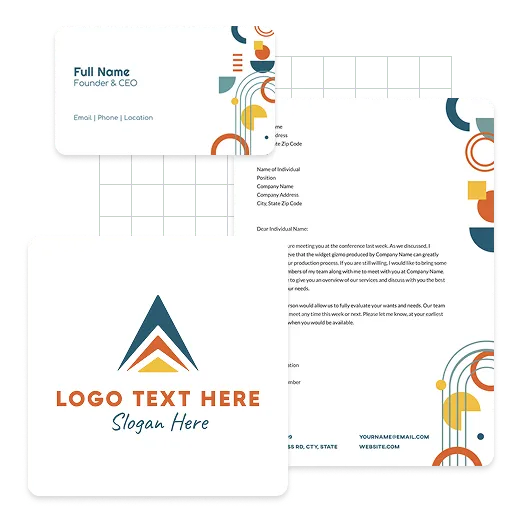
Create business cards that perfectly match your logo. Choose from thousands of business card templates automatically branded with your logo colors to ensure a consistent look.
Social media posts & stories
Create scroll stopping social media posts and stories for Instagram, Facebook and TikTok. All automatically customized with your logo colors.
Brand identity & stationary
Create stationary and brand identity kit such as letterheads, email signatures and more all matching your brand theme automatically.
Unlimited logo variations
Edit your logo as much as you like. Customise the layout, colors and font on your logo and create as many variations as you want.
Support
With 24/7 support from our team of logo design experts, you're always looked after from logo creation to download and beyond.
Royalty-free logos
Get a worldwide, irrevocable license to use your logo for any commercial and non-commercial purpose.
Advantages
What are the advantages of using Design.com for your logo?
Professional quality logo designs
Everyone wants the perfect logo for their business. The good news is you can create a beautiful, professional-quality logo with Design.com's logo maker. Our online logo maker lets you generate high-quality designs perfectly suited to your business from an expertly crafted library of logos. Unlike generic stock icons, every logo is handcrafted, exclusive to Design.com, and checked for copyright safety to give you extra peace of mind. Designed to meet the highest professional standards, our logos help your business stand out. So, if you want the best logo for your business, start customising a logo today. You can edit all our logos for free and create a logo you love in seconds. Who doesn't like the sound of that?
Powerful AI logo design tools
At Design.com, we know startups, entrepreneurs, and growing businesses are short on time — and with today’s fast-moving world, who isn’t? That’s why we’ve built an AI-powered logo maker designed to make creating a professional logo faster, easier, and stress-free. Our smart design tools help you instantly generate high-quality logo options tailored to your business, while keeping the process simple from start to finish. Just find a logo you love, customise it, and download your files instantly. No design skills needed, no complicated software — just a beautiful logo for your business in only a few clicks.
Build your entire brand, not just the perfect logo
There’s a lot more to building a successful business than creating a great logo — but making sure your brand looks consistent everywhere is just as important. At Design.com, once you’ve created your logo, your branding automatically carries across business cards, social media posts, banners, covers, websites, and more, with your logo colours and style applied instantly. Everything is easy to customise using our powerful design editors, helping you create a polished brand presence in minutes. You can also add your logo to stationery like envelopes and letterheads, or go even further with custom printed merch, office supplies, and branded stationery. From logo creation to complete brand launch, Design.com makes it easy to bring your business to life all in one place.
Logo Templates
Make a logo you'll love, instantly. Try for free.
Whether you're launching a beauty brand, growing a real estate business, or building the next big startup, Design.com helps you create thousands of professional logo designs in seconds. With smart AI-powered tools and high-quality handcrafted designs, finding the perfect logo for your business has never been faster or easier.
Get started with Design.com's Logo Maker
Enter your business name and we'll start creating logos in seconds...
Features
Discover what makes Design.com’s logo maker different
Design.com’s logo maker has everything you need to build the perfect brand for your business. With AI-powered tools, professional-quality logos, and features designed to help you create a beautiful logo with ease, Design.com makes it simple to launch your business with confidence.
Unique, exclusive, copyright safe logos
All 437,000+ logo designs on Design.com have all been created by professional designers and individually checked for copyright safety.
Download high-quality logos absolutely free
Design.com offers a selection of logos 100% for free. Download high-quality raster files and industry standard vector files at no cost.
The fastest logo maker in the world
Enter a short prompt and Design.com generates thousands of high-quality, relevant logos in seconds - all ready to download.
TOP RATED LOGO MAKER
Customers say Design.com is the best logo maker
How To
How does creating a logo on Design.com work?
By using custom trained AI Design.com makes creating a logo fast, safe and easy. In a few simple steps you can go from vision to complete logo design and matching brand.
1. Enter a short prompt about your business
After entering a prompt, Design.com's custom trained AI will generate thousands of logos relevant to your company - you just choose the one you love. With over 437,000 logos, there’s a logo for any industry.
2. Refine your logos with more keywords
If you’re looking for a specific style or theme you can refine the AI generated logos by entering keywords. Design.com’s AI logo generator will re-image your input into another selection of beautiful logos
3. Save your favourite logos to a shortlist
Found a few logos you like? Add them to a shortlist so you don't lose them! Simply hit the heart icon to start building your custom logo design shortlist.
4. Customize your logo and make it truly yours
With an intuitive AI based chat you can make changes to your logo design in seconds. Effortlessly edit the fonts, shapes, layout and colors. The only limit for your brand is your imagination.
5. Preview your logo in the real world
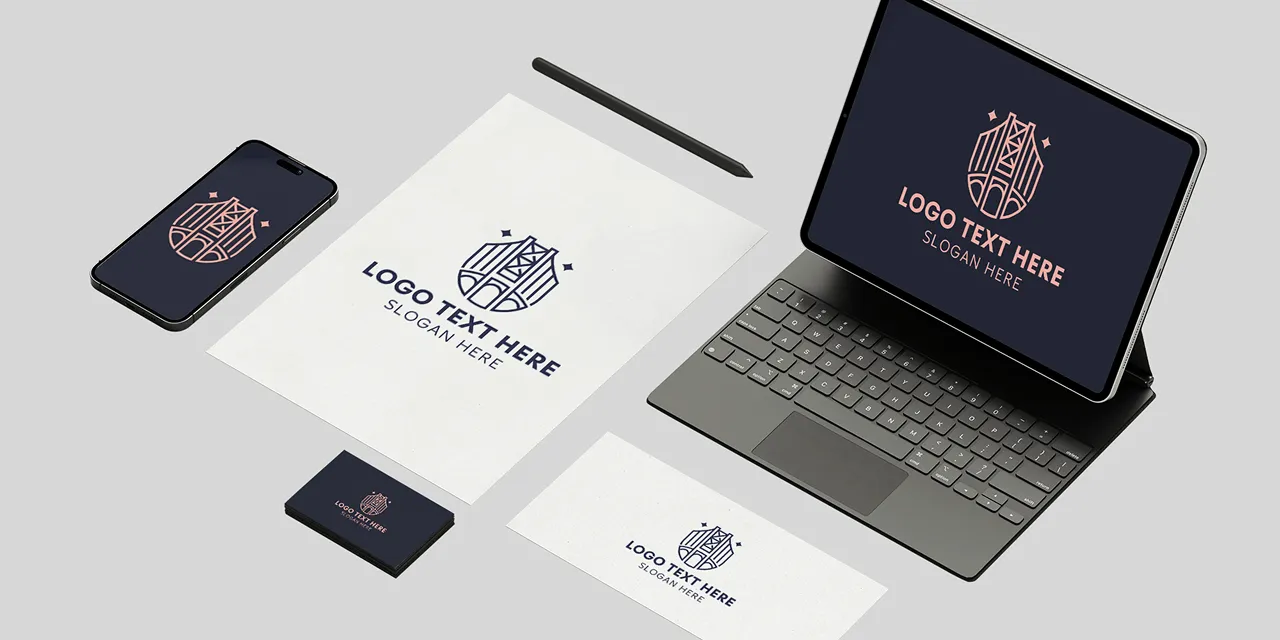
When you’ve finished creating a logo that you love, take the time to visualise how your logo will look in real life with high fidelity mockups of your logo on business cards, signage and a website.
Get started with Design.com's Logo Maker
Enter your business name and we'll start creating logos in seconds...
Frequently asked questions
Creating that perfect logo with Design.com is easy - but just in case, here's some FAQs to help you get started.
What is the best logo maker?
Design.com is the best logo maker in the world based on customer reviews, online product reviews and Design.com’s logo library size.Why is Design.com the world’s best logo maker?
Here are some of the top reasons Design.com is the best logo maker in the world:
- Design.com has the world’s largest logo library
- Design.com generates more logo options (thousands of logos) for you than other logo makers
- Design.com logos are higher quality and more unique than other logo makers
- Design.com has the best AI logo generator in the market
- If you make a logo on Design.com you can then access Design.com’s full design platform and brand kit with over 50 design tools and 1 million design templates that will perfectly match your brand.
What makes Design.com’s generated logos better than other logo makers?
Logos generated on Design.com are higher-quality and more unique. This is due to Design.com’s superior logo library size, market-leading AI and level of quality control and IP checking on Design.com’s platform.Why is Design.com’s AI better than other AI?
Design.com is the best AI logo generator in the world because it combines Design.com’s unique IP (the largest logo library in the world, exclusive fonts, advanced design editing tools) with the magic of world-class AI.Why are Design.com’s generated logos more unique than other logo makers?
Design.com has the largest logo library in the world, with logos exclusive to Design.com. Design.com has built its logo maker and its logo library with logos created by the best logo designers around the world and also market-leading AI (with unique ingredients exclusive to Design.com). The logos on Design.com are exclusive to Design.com. Design.com also has over 500 unique fonts exclusive to the platform, which are used in our logos. Design.com also conducts IP checks on logo templates to help ensure originality and uniqueness. Lastly, Design.com lets you remove logo icons from its library with extended licenses. This is a unique set of features that means Design.com logos are more unique than those on other logo makers.What is the Design.com logo maker?
Design.com's logo maker allows you to generate and customize stand-out logos in minutes. Design.com gives you access to a professional library of thousands of customizable logo designs - making creating your logo inexpensive and straightforward. Our logos, created by designers around the globe, give you unlimited possibilities.
Do I get a transparent version of my logo?
Absolutely! A transparent version of your logo is provided when you download in a PNG format. Even if you've chosen a solid background for your logo, we'll provided a version of your logo with a transparent background for your convenience - perfect for use on your website.
What layout works best for logos?
You want your logo to standout above competitors. Your logo should tell your audience, customers, fans and competitors that you mean business. There's no single answer for what layout your logo should have - but keep in mind what message your want to convey with your logo. A simple layout can convey elegance and sophistication, while a more dynamic layout can mean fun or adventure. Search our logo collection for a design then customize it according to your needs. Remember you can also research logos - pay attention to their layout, color choices, design themes and fonts.
What text should I choose for my logo?
What's in a name? If you haven't already got a name for your logo then here's some tips. You want to use text and a name that describes your business, the caliber of service you provide and one that resonates with customers. If you're stumped, research other companies with logos for inspiration. Remember your logo should have a catchy and non-offensive name that's sits well with the whole team. Try to keep the logo text short and simple using a bold clean font, so it's easily recognisable on your logo.
How do I find the right logo?
Simply put, logos are visual representations of what your business is all about. The logo you choose will become synonymous with your brand, so it pays to choose wisely. Design.com offers access to a library packed with logos created by professional designers from around the world. Find the perfect logos is as simple as searching the library, customizing the logo to your liking and downloading. Remember, keeping your logo simple with three or fewer colors and clean fonts produces an effective, eye-catching logo.
How do I add a tagline to my logo?
It's easy to enhance your logo with a tagline. A tagline is usually added at the bottom of your logo and consists of a short piece of text like a motto or catchphrase. Taglines that work include three to seven memorable words. Like an advertising jingle or popular song, this additional text on your logo helps further associate your design with your brand. You can add a tagline in a few clicks with Design.com's Logo Maker.
Can I download my logo instantly?
Yes. Now that you've created the perfect logo, it's time to put your design to work. Design.com allows you to download your logo instantly and gives you access to all the files you need. Design.com provides files perfect for producing marketing and print materials, for using on your website or blog and for branding those social media posts. All the logo files you need are available in your account.
Do I get my logo in vector format?
Of course. Your logo from Design.com is provided in several formats including vector files (PDF and SVG). No matter how large you want your logo, it'll look great. Vector files are used to create print layouts and illustrations as they ensure the same quality appearance across all formats and sizes.